Things to look for when buying a VPN
A practical guide to evaluating VPNs, covering privacy, security, performance, features, and value.
Choosing the right VPN can feel overwhelming, but focusing on a few core areas makes the decision straightforward. This guide breaks down what to look for when buying a VPN, with practical questions to ask and a simple framework to compare options.

Privacy and logging policies
A VPN’s primary job is to protect your online activity from prying eyes. The first thing to check is the provider’s privacy policy and logging practices.
- Logging philosophy: Do they log connection timestamps, IP addresses, traffic data, or DNS requests? Some vendors claim “no logs,” but the details matter.
- Jurisdiction: Where is the company based? Laws differ by country, and data retention mandates can influence privacy.
- third-party audits: Has the provider undergone independent privacy or security audits? Public results add credibility.
- Hand over data: Under what circumstances could they be compelled to share data with authorities or third parties?
A good baseline: a no-logs policy that is auditable, ideally confirmed by an independent audit, combined with a clear, accessible privacy policy written in plain language. If privacy is your top concern, this section should be non-negotiable.
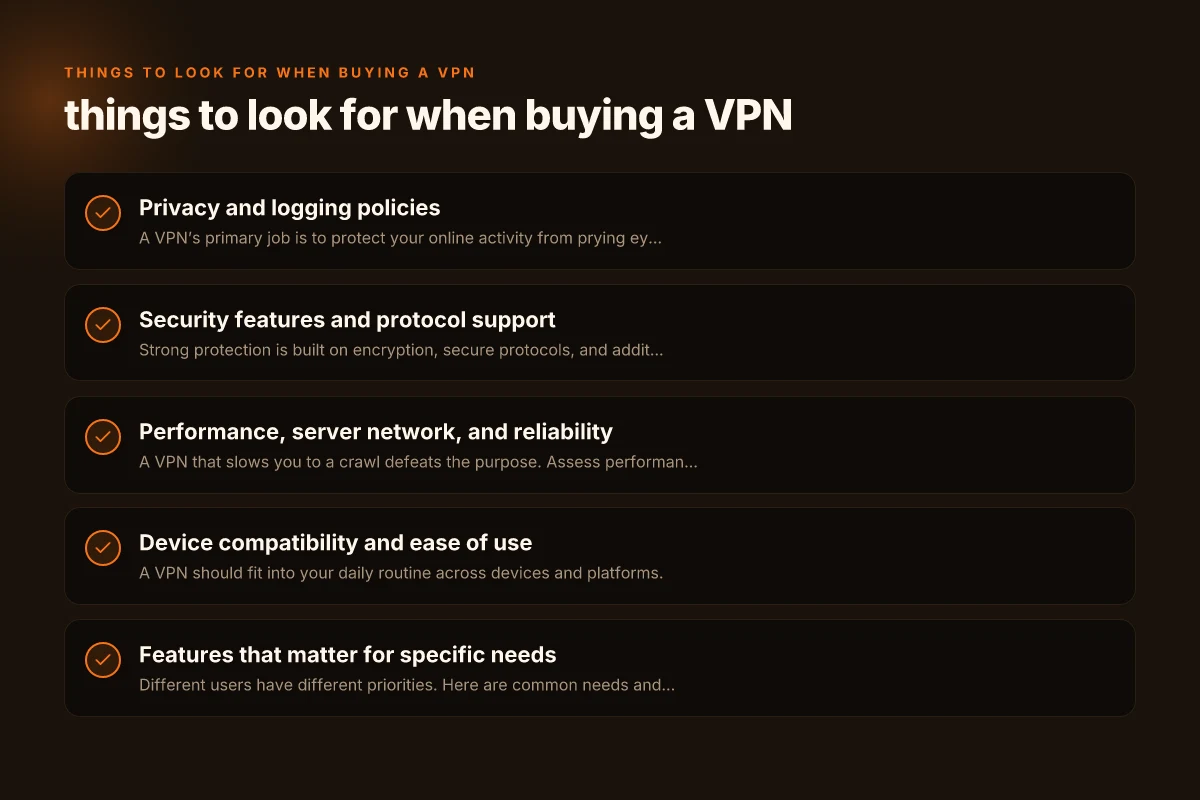
Security features and protocol support
Strong protection is built on encryption, secure protocols, and additional safeguards. Look for these elements.
- Encryption strength: Common standards are AES-256 for data in transit. Ensure your chosen VPN uses robust encryption.
- Protocols: OpenVPN and WireGuard are popular due to speed and security. IKEv2 is common for mobile devices. Check if the provider supports multiple protocols.
- Leak protection: DNS leaks, IPv6 leaks, and WebRTC leaks can reveal information even when the VPN is active. Verify features like DNS leak protection and IPv6 routing controls.
- Kill switch: A reliable kill switch blocks internet traffic if the VPN disconnects unexpectedly, preventing exposure.
- Perfect forward secrecy: Ensures session keys are not reused, limiting the impact of a compromised key.
- Multi-hop and obfuscated servers: For higher anonymity, some providers offer multi-hop routing or obfuscated connections to bypass restrictive networks.
If you handle sensitive data or work in high-risk environments, ensure your VPN supports several of these protections and provides transparent technical detail. Tetet VPN for PC Windows
Performance, server network, and reliability
A VPN that slows you to a crawl defeats the purpose. Assess performance through the lens of server network, speed, and reliability.
- Server count and distribution: More servers in diverse locations give you options for speed and access. Pay attention to servers in the regions you care about.
- Speed impact: Look for independent speed tests or your own trial period to gauge download and upload performance.
- Bandwidth policies: Unlimited bandwidth is ideal. Some plans impose caps or throttle after a threshold.
- Connection stability: How often do connections drop? Do they offer automatic reconnect, and how well does the service handle switching servers?
- Session continuity: If you rely on streaming or gaming, latency and jitter matter. A VPN that maintains stable latency is valuable.
- Concurrent connections: How many devices can be connected simultaneously? If you have a household or small team, this matters for value.
A practical tip: ask for a trial or money-back guarantee so you can test real-world performance on your devices and networks.
Device compatibility and ease of use
A VPN should fit into your daily routine across devices and platforms.
- Supported platforms: Windows, macOS, iOS, Android, Linux, routers, and browser extensions. Consider your use case and ensure broad coverage.
- Client quality: Look for intuitive apps, quick-connect options, and clear indicators of current VPN status.
- Router support: If you protect all devices at once, you may want to install on a router. Check firmware compatibility and setup complexity.
- Simultaneous connections: If you have multiple users or devices, confirm how many devices can be protected at once and how licensing works.
- Media and streaming support: Some VPNs optimize for streaming services. Others explicitly block such use due to terms of service.
If you value simplicity, prioritize vendors with strong, clean apps and a straightforward setup process. If you’re more technical, you may enjoy deeper customization options. Teh VPN for PC Windows
Features that matter for specific needs
Different users have different priorities. Here are common needs and how to evaluate related features.
- Streaming and bypassing geoblocks: Some VPNs optimize for streaming and maintain fast speeds with access to libraries in other regions. Look for dedicated servers and documented success stories.
- Gaming: Low latency matters. Seek servers near your location, WireGuard or OpenVPN options, and low jitter performance.
- Privacy-conscious use: Features like double VPN, hidden/default obfs settings, and anonymous payment options (like cryptocurrencies) can be attractive.
- Business use: Centralized management, team accounts, split tunneling (to route some traffic through VPN and some directly), and audit-ready logs can be essential.
- P2P/torrenting: If permitted, check terms, port forwarding options, and policies against throttling for P2P traffic.
A well-chosen VPN can be a product with a single clear use, or a multi-tool that adapts to different tasks.
Pricing, value, and transparency
Cost is a practical consideration, but it should be weighed against value and reliability.
- Price plans: Long-term plans typically reduce monthly costs. Watch for promotional pricing or required auto-renewals.
- Refund policy: A reasonable window (7–30 days) gives you a risk-free way to test the service.
- Hidden fees: Be mindful of extra charges for add-ons, dedicated IPs, or higher-tier features.
- Payment options: Some users prefer privacy-conscious methods, such as cryptocurrencies or gift cards.
- Customer support: Availability and quality of support can affect long-term satisfaction. Look for multiple channels (live chat, email, knowledge base).
If privacy and security are central, you may be willing to pay a bit more for robust policies and a solid user experience. If budget is tight, balance cost with the most important features for you. Tap VPN for PC Windows
A practical comparison framework (one table to help)
Here’s a simple at-a-glance comparison framework you can use when evaluating candidates. Pick a few providers and fill in the data to compare directly.
| VPN feature | Provider A | Provider B | Provider C |
|---|---|---|---|
| No-logs policy | Yes | Partial | Yes |
| Jurisdiction | Country X | Country Y | Country Z |
| Encryption | AES-256 | AES-256 | AES-128? |
| Protocols offered | OpenVPN, WireGuard, IKEv2 | OpenVPN, WireGuard | OpenVPN, IKEv2 |
| Kill switch | Yes | Yes | No |
| DNS leak protection | Yes | Yes | Yes |
| Multi-hop / Obfs | Yes | No | Yes |
| Server count / locations | 1500 / 60 | 800 / 40 | 1200 / 50 |
| Concurrent connections | 5 | 6 | 10 |
| Streaming friendly | Yes | Yes | No |
| Price (monthly average) | $9 | $7 | $12 |
| Money-back guarantee | 30 days | 30 days | 14 days |
Notes:
- You’ll rarely see perfect scores across all features. Prioritize the rows that align with your needs.
- If a provider’s policy or a feature is unclear, contact support or look for independent reviews and audits.
How to test a VPN before committing
Even with the best marketing, the real test is how the service performs for you.
- Use a trial or money-back guarantee: Take advantage of the window to assess speed, reliability, and compatibility.
- Test in your environment: Try on your primary device, browser, and the network you use most (home, work, or mobile).
- Measure latency and throughput: Run speed tests with and without the VPN. Compare ping, download, and upload speeds.
- Check for leaks: Use online tools to verify no DNS or IP leaks when connected to the VPN.
- Verify streaming and torrenting: If you need these, test them specifically on your preferred servers.
- Assess support responsiveness: Reach out with a couple of questions to gauge response times and helpfulness.
A practical approach is to shortlist two or three providers, test them for a week each, and note which combination of privacy, security, performance, and usability best fits your needs. Tachyon VPN for PC Windows
Final recommendation
When you’re buying a VPN, start with privacy and policy transparency. If a provider can’t clearly explain what data they collect, how they protect it, and where they operate, that’s a red flag. From there, ensure security features line up with your risk profile, kill switch, DNS protection, and a solid protocol set are essential minimums. Then test performance and device coverage to confirm the service fits your daily routine, not just your needs on paper. Finally, weigh pricing against features and support. A well-chosen VPN isn’t the one with the flashiest marketing. It’s the one that consistently protects your privacy, performs reliably across your devices, and fits your budget.
| VPN | Obfuscation | From / month | Plan | Free plan | Refund | Alipay | UnionPay | Crypto | Website opens in China | Trustpilot | |
|---|---|---|---|---|---|---|---|---|---|---|---|
 ZoogVPN | Turn on manually Shadow | $2.49/mo | 27 months: $59.99 | Yes | 7 days | ✓ | ✓ | ✓ | ✓ | Official site blocked; our special link opens (4.4 s) | 4.2/5 (195 reviews) |
 NordVPN | Turn on manually Obfuscated Servers / NordWhisper | $3.49/mo | 27 months: $94.23 | No | 30 days | ? | ✗ | ✓ | ✓ | ✗ Blocked | 4.2/5 (51,628 reviews) |
 ExpressVPN | ✓ On by default all servers | $3.00/mo | 28 months: $84 | No | 30 days | ✗ | ✗ | ✓ | ✗ | ✗ Blocked | 4.4/5 (29,706 reviews) |
 Surfshark | ✓ On by default Camouflage, with OpenVPN | See site | See site | No | 30 days | ✗ | ✗ | ✗ | ✓ | ✗ Blocked | 4.3/5 (31,823 reviews) |
 Proton VPN | Turn on manually Stealth, free plan too | $2.99/mo | 12 months: $35.88 | Yes | 30 days | ✗ | ✗ | ✗ | ✓ | ✗ Blocked | 2.1/5 (1,040 reviews) |
 Astrill VPN | Turn on manually StealthVPN / OpenWeb | $12.50/mo | 24 months: $300 | No | See site | ✗ | ✗ | ✗ | ✓ | ✗ Blocked | 1.3/5 (110 reviews) |
 Private Internet Access | Turn on manually Shadowsocks, OpenVPN only | $2.03/mo | 40 months: $81.2 | No | 30 days | ✗ | ✗ | ✗ | ✗ | ✗ Blocked | 4.2/5 (11,033 reviews) |
 CyberGhost | Turn on manually selected servers | $2.19/mo | 28 months: $61.32 | No | 45 days | ✗ | ✗ | ✗ | ✓ | ✗ Blocked | 4.0/5 (24,178 reviews) |
 PureVPN | Turn on manually switch to OpenVPN | $1.69/mo | 60 months: $101.55 | No | 31 days | ? | ? | ✗ | ✓ | ✗ Blocked | 4.4/5 (17,994 reviews) |
 AdGuard VPN | ✓ On by default TrustTunnel | $2.99/mo | 24 months: $71.76 | Yes | 30 days | ✓ | ✗ | ✓ | ✓ | Official site blocked; our special link opens (3.7 s) | 4.3/5 (290 reviews) |
 Mullvad | Turn on manually QUIC / Shadowsocks / LWO | $5.61/mo | €5/mo | No | 14 days | ✗ | ✗ | ✗ | ✓ | ✗ Blocked | 3.2/5 (192 reviews) |
 Windscribe | Turn on manually Stealth / WStunnel | $5.75/mo | 12 months: $69 | Yes | See site | ✗ | ✗ | ✗ | ✓ | ✗ Blocked | 4.7/5 (13,355 reviews) |
 StrongVPN | Turn on manually Scramble, OpenVPN TCP | See site | See site | No | 30 days | ✓ | ✗ | ✗ | ✗ | ✗ Blocked | 4.4/5 (2,695 reviews) |
 LightXtreme 闪连 | Not listed | $7.08/mo | 12 months: $84.99 | Yes | 30 days | ✓ | ✓ | ✓ | ✓ | ✓ Yes (3.5 s) | No page |
Prices checked 2026-11-10 on each vendor's pricing page (cheapest long plan, USD). Check the vendor's checkout for the final price.
Obfuscation checked 2026-11-14 on each vendor's site and help center: "on by default" = nothing to set; "turn on manually" = switch protocol or mode in settings; "not listed" = the vendor describes no obfuscation.
Payment methods checked 2026-11-10 on each vendor's payment pages: all 14 take cards and PayPal; ✗ = not listed, ? = the vendor's own pages disagree.
China access: whether the official website opens from mainland China networks (tests the website only, not the VPN connection). Last checked 2026-11-18 01:02 Beijing time.
Trustpilot score and review count checked 2026-11-10.