Reasons why everyone should use a VPN
A practical guide to why a VPN benefits everyday users, from privacy to access and safety.
In today’s connected world, using a VPN isn’t just for tech pros or journalists. It’s a practical, everyday tool that helps you stay private, safer online, and free to explore the internet without unnecessary restrictions. Below is a clear look at why everyone should consider adding a VPN to their digital routine.

What a VPN does for your privacy
Virtual Private Network (VPN) creates a secure, encrypted tunnel between your device and a VPN server. What does that mean in real terms?
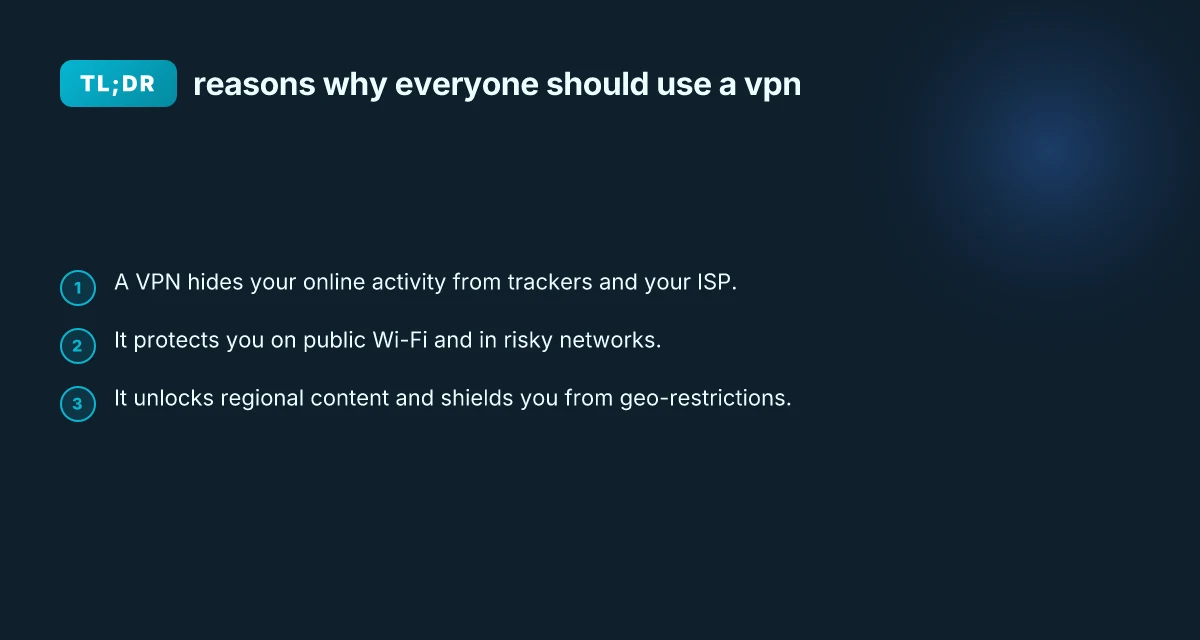
- Your internet service provider (ISP) and potential onlookers can’t easily see what you’re doing.
- Your IP address is masked, making it harder for advertisers, trackers, and data brokers to build a profile.
- Online activity becomes harder to tie to your real-world identity.
Several layers work together to protect you:
- Encryption: Even if data is intercepted, it’s unreadable without the key.
- Tunneling: Your traffic is routed through a VPN server, not directly to the sites you visit.
- Server location masking: Your apparent location shifts to the VPN server’s location.
This combination helps preserve privacy on both desktop and mobile devices, across apps, browsers, and various networks.
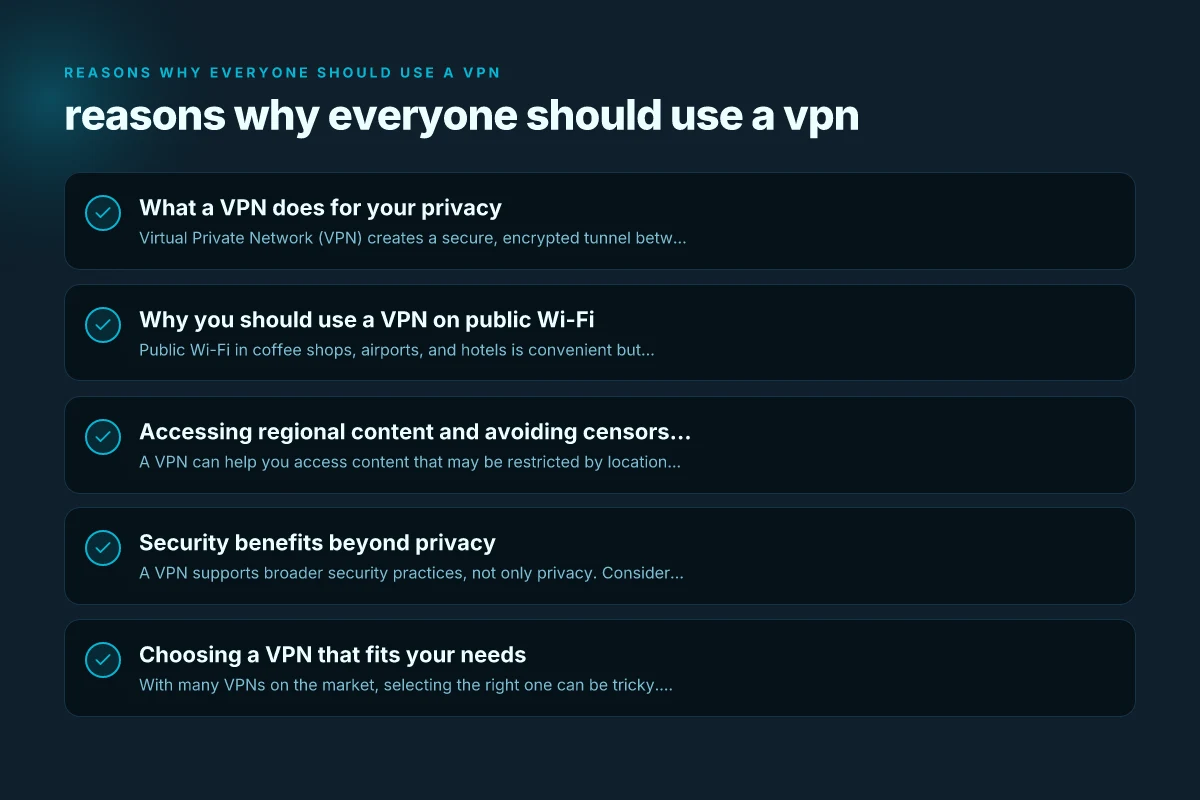
Why you should use a VPN on public Wi-Fi
Public Wi-Fi in coffee shops, airports, and hotels is convenient but risky. Here’s what a VPN changes about that risk landscape: Real VPN for PC Windows
- It adds encryption, so sensitive data (like passwords, bank details, and messages) is less vulnerable to interception.
- It blocks many types of local eavesdropping and network-level attacks that exploit open networks.
- It reduces the chance that attackers can monitor your activity just because you connected to an open network.
When you’re on public Wi-Fi, a VPN is often the simplest, most effective shield. It won’t fix every security flaw, but it dramatically lowers the odds of a data breach caused by insecure networks.
Accessing regional content and avoiding censorship
A VPN can help you access content that may be restricted by location or by local network policies. This is not about bypassing terms of service, but about respecting regional content licensing, cartridge of access decisions, and censorship controls that exist in some places.
- Streaming libraries: Some shows and movies are available only in certain regions. A VPN can help you reach the catalog you’re entitled to access, depending on terms and availability.
- News and information: If a country blocks certain sites or services, a VPN can provide access for legitimate information needs.
- Safer research abroad: Expats, travelers, and researchers can stay connected to resources that might be blocked or throttled in other regions.
Keep in mind:
- Some platforms actively detect VPN traffic and may restrict or block access.
- Always use VPNs in compliance with local laws and terms of service for the services you’re using.
Security benefits beyond privacy
A VPN supports broader security practices, not only privacy. Consider these practical benefits: Rabbit VPN for PC Windows
- Safe remote work: For employees, a VPN is a critical part of a business’s security toolkit, protecting data when connecting from home or on the road.
- Safer backups and file transfers: When you move sensitive data between devices or locations, encryption helps guard that data from unauthorized access.
- Reduced exposure on devices: VPNs can help prevent some forms of malware that rely on tainted network traffic by encrypting data in transit.
A VPN isn’t a magic shield. It complements antivirus software, phishing education, and secure authentication to create a more robust security posture.
Choosing a VPN that fits your needs
With many VPNs on the market, selecting the right one can be tricky. Here are practical criteria to consider:
- Privacy policy: Look for a no-logs policy, independent audits, and a clear stance on data retention.
- Jurisdiction: VPNs based in privacy-friendly countries with strong data protection laws are generally preferable.
- Speed and reliability: A VPN should minimize noticeable slowdowns, especially if you stream or video conference.
- Server network: A larger, well-distributed server base improves performance and helps you bypass geo-restrictions.
- Security features: Look for strong encryption (AES-256), a kill switch, DNS leak protection, and multi-hop options.
- Platform support: Ensure it covers your devices (Windows, macOS, iOS, Android, Linux, routers).
- Customer support: Accessible help channels and timely responses matter when you need to troubleshoot.
- Pricing and value: Compare features against cost, and watch for long-term plans and student discounts if relevant.
| Criterion | What to look for | Why it matters |
|---|---|---|
| Privacy policy | No-logs, independent audits | Ensures data isn’t stored or sold |
| Jurisdiction | Privacy-friendly countries | Affects data access by authorities |
| Speed | Low impact on bandwidth | Keeps streaming and gaming smooth |
| Server count | Wide geographic spread | Better access and faster connections |
| Security features | Kill switch, DNS leak protection | Prevents data leaks if VPN drops |
| Platform support | Cross-device compatibility | Unified protection across devices |
| Customer support | 24/7 help, knowledge base | Quick problem resolution |
| Price | Transparent pricing | Value over time, avoid surprises |
Common myths about VPNs
As with any technology, there are misconceptions that can mislead people into thinking a VPN is either a cure-all or unnecessary. Here are a few to debunk:
Myth: VPNs make you completely anonymous online. Reality: They improve privacy by hiding your activity from certain observers, but they don’t grant total anonymity. Operational security, browser fingerprints, and other identifiers still matter. R VPN for PC Windows
Myth: Free VPNs are just as good as paid ones. Reality: Free options often come with limits, ads, slower speeds, and questionable data practices. Paid VPNs generally provide stronger privacy protections and better performance.
Myth: A VPN can solve all security problems. Reality: VPNs protect data in transit, but you still need good device security, updated software, strong authentication, and safe browsing habits.
How to implement a VPN in daily life
If you’re ready to start, here’s a simple, actionable plan:
- Pick a reputable provider: Prioritize privacy, speed, and transparent policies.
- Install on primary devices: Start with your laptop or smartphone, then extend to home routers if you want whole-network protection.
- Enable key features: Turn on the kill switch and DNS leak protection as default.
- Test your setup: Verify your IP address changes when connected to the VPN and check for DNS leaks.
- Review data usage: If you’re on a capped plan, monitor how much VPN usage affects data consumption.
In addition, establish a routine for when you use public Wi-Fi, travel, or access content from unfamiliar networks. A quick step is to activate the VPN before connecting to a network you don’t control. Quickvpn for PC Windows
Final recommendation
If you’re looking for practical, real-world benefits that apply to most people, adopting a VPN is a wise move. It provides a meaningful layer of privacy, helps protect you on risky networks, and gives you flexibility to access content and resources more freely. Choose a reputable provider, configure it with essential protections, and use it consistently. The result is a safer, more private, and less restricted online experience that aligns with today’s connected lifestyle.
| VPN | Obfuscation | From / month | Plan | Free plan | Refund | Alipay | UnionPay | Crypto | Website opens in China | Trustpilot | |
|---|---|---|---|---|---|---|---|---|---|---|---|
 ZoogVPN | Turn on manually Shadow | $2.49/mo | 27 months: $59.99 | Yes | 7 days | ✓ | ✓ | ✓ | ✓ | Official site blocked; our special link opens (4.4 s) | 4.2/5 (195 reviews) |
 NordVPN | Turn on manually Obfuscated Servers / NordWhisper | $3.49/mo | 27 months: $94.23 | No | 30 days | ? | ✗ | ✓ | ✓ | ✗ Blocked | 4.2/5 (51,628 reviews) |
 ExpressVPN | ✓ On by default all servers | $3.00/mo | 28 months: $84 | No | 30 days | ✗ | ✗ | ✓ | ✗ | ✗ Blocked | 4.4/5 (29,706 reviews) |
 Surfshark | ✓ On by default Camouflage, with OpenVPN | See site | See site | No | 30 days | ✗ | ✗ | ✗ | ✓ | ✗ Blocked | 4.3/5 (31,823 reviews) |
 Proton VPN | Turn on manually Stealth, free plan too | $2.99/mo | 12 months: $35.88 | Yes | 30 days | ✗ | ✗ | ✗ | ✓ | ✗ Blocked | 2.1/5 (1,040 reviews) |
 Astrill VPN | Turn on manually StealthVPN / OpenWeb | $12.50/mo | 24 months: $300 | No | See site | ✗ | ✗ | ✗ | ✓ | ✗ Blocked | 1.3/5 (110 reviews) |
 Private Internet Access | Turn on manually Shadowsocks, OpenVPN only | $2.03/mo | 40 months: $81.2 | No | 30 days | ✗ | ✗ | ✗ | ✗ | ✗ Blocked | 4.2/5 (11,033 reviews) |
 CyberGhost | Turn on manually selected servers | $2.19/mo | 28 months: $61.32 | No | 45 days | ✗ | ✗ | ✗ | ✓ | ✗ Blocked | 4.0/5 (24,178 reviews) |
 PureVPN | Turn on manually switch to OpenVPN | $1.69/mo | 60 months: $101.55 | No | 31 days | ? | ? | ✗ | ✓ | ✗ Blocked | 4.4/5 (17,994 reviews) |
 AdGuard VPN | ✓ On by default TrustTunnel | $2.99/mo | 24 months: $71.76 | Yes | 30 days | ✓ | ✗ | ✓ | ✓ | Official site blocked; our special link opens (3.7 s) | 4.3/5 (290 reviews) |
 Mullvad | Turn on manually QUIC / Shadowsocks / LWO | $5.61/mo | €5/mo | No | 14 days | ✗ | ✗ | ✗ | ✓ | ✗ Blocked | 3.2/5 (192 reviews) |
 Windscribe | Turn on manually Stealth / WStunnel | $5.75/mo | 12 months: $69 | Yes | See site | ✗ | ✗ | ✗ | ✓ | ✗ Blocked | 4.7/5 (13,355 reviews) |
 StrongVPN | Turn on manually Scramble, OpenVPN TCP | See site | See site | No | 30 days | ✓ | ✗ | ✗ | ✗ | ✗ Blocked | 4.4/5 (2,695 reviews) |
 LightXtreme 闪连 | Not listed | $7.08/mo | 12 months: $84.99 | Yes | 30 days | ✓ | ✓ | ✓ | ✓ | ✓ Yes (3.5 s) | No page |
Prices checked 2026-11-10 on each vendor's pricing page (cheapest long plan, USD). Check the vendor's checkout for the final price.
Obfuscation checked 2026-11-14 on each vendor's site and help center: "on by default" = nothing to set; "turn on manually" = switch protocol or mode in settings; "not listed" = the vendor describes no obfuscation.
Payment methods checked 2026-11-10 on each vendor's payment pages: all 14 take cards and PayPal; ✗ = not listed, ? = the vendor's own pages disagree.
China access: whether the official website opens from mainland China networks (tests the website only, not the VPN connection). Last checked 2026-11-18 01:02 Beijing time.
Trustpilot score and review count checked 2026-11-10.