Microsoft Edge Secure Network VPN Reviews: Is It Safe and Worth Using?
A practical review of Edge Secure Network, including its browser-only protection, limitations, and when to use it.
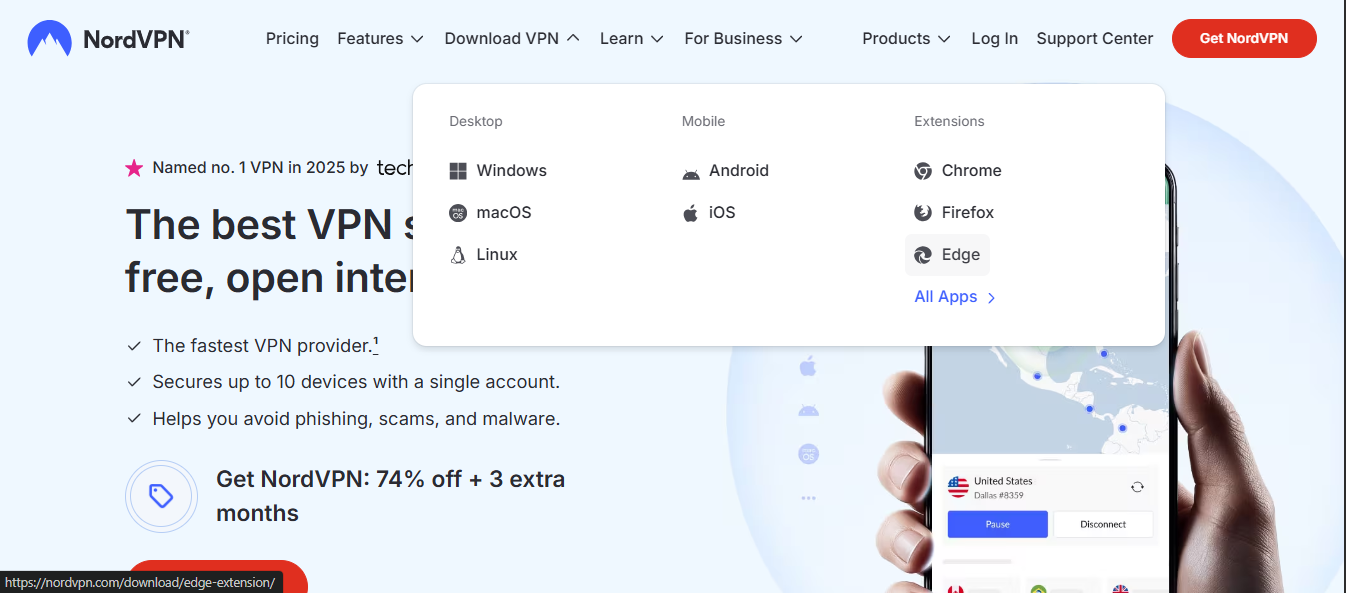
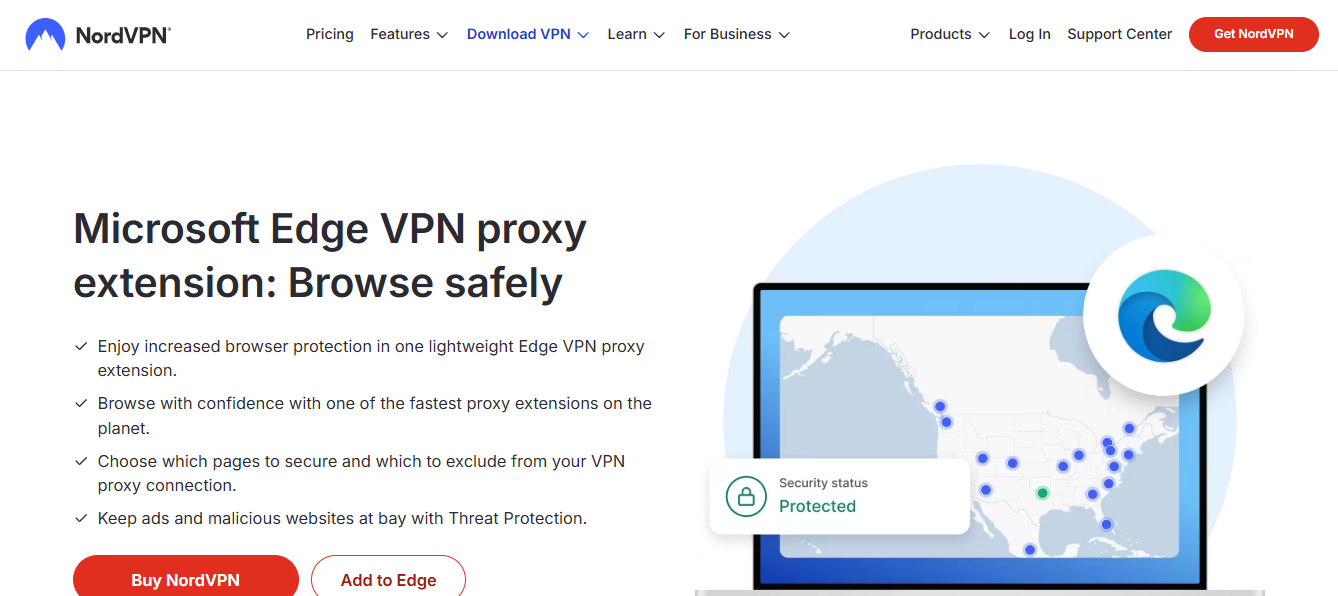
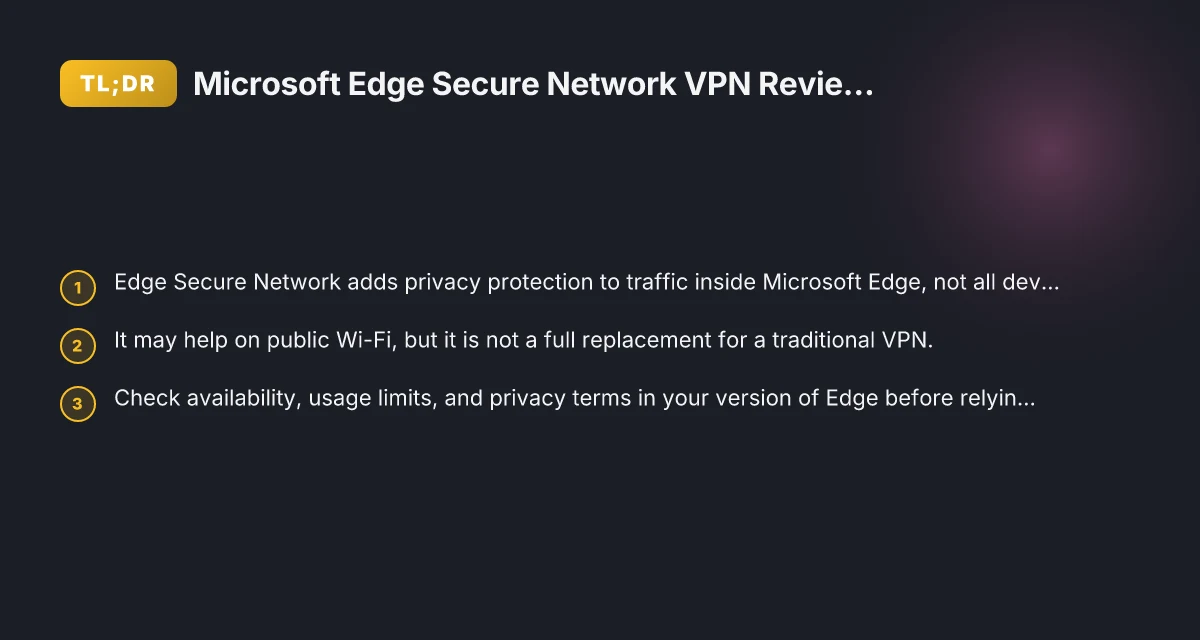
Microsoft Edge Secure Network is useful as a basic privacy feature, but reviews point to an important limitation: it protects traffic sent through the Edge browser rather than creating a device-wide VPN connection. That makes it potentially helpful for browsing on public Wi-Fi, but not the right choice if you need every app on your computer or phone to use a VPN. It is best viewed as an extra layer of browser privacy, not a complete security solution.
Editor's pick: NordVPN — fast, secure VPN — Strong encryption, a no-logs policy and apps for every device. 30-day money-back guarantee. Get NordVPN →
Microsoft Edge Secure Network at a glance
| Comparison point | Microsoft Edge Secure Network | What it means for users | Key limitation |
|---|---|---|---|
| Product type | Browser-based VPN service | Protects eligible traffic in Edge | Not a full-device VPN |
| Provider | Cloudflare-powered | Traffic is routed through Cloudflare | Microsoft and Cloudflare have distinct roles |
| Availability | Built into Microsoft Edge | No separate VPN app is needed | Availability may depend on region or account |
| Data allowance | Limited monthly allowance | Suitable for occasional browsing | Not ideal for heavy use |
| Network coverage | Edge browser traffic | Can help on public Wi-Fi | Other apps are not covered |
| Location options | Limited VPN controls | Easy to use with little setup | Not designed for choosing many countries |
| Setup | Enable in Edge settings | Convenient for Edge users | Requires using the Edge browser |
| Best fit | Everyday browser privacy | Adds protection for routine browsing | Does not replace comprehensive security tools |
Compiled November 2026; check the provider's site for current details.
| VPN | Obfuscation | From / month | Plan | Free plan | Refund | Alipay | UnionPay | Crypto | Website opens in China | Trustpilot | |
|---|---|---|---|---|---|---|---|---|---|---|---|
 ZoogVPN | Turn on manually Shadow | $2.49/mo | 27 months: $59.99 | Yes | 7 days | ✓ | ✓ | ✓ | ✓ | Official site blocked; our special link opens (4.4 s) | 4.2/5 (195 reviews) |
 NordVPN | Turn on manually Obfuscated Servers / NordWhisper | $3.49/mo | 27 months: $94.23 | No | 30 days | ? | ✗ | ✓ | ✓ | ✗ Blocked | 4.2/5 (51,628 reviews) |
 ExpressVPN | ✓ On by default all servers | $3.00/mo | 28 months: $84 | No | 30 days | ✗ | ✗ | ✓ | ✗ | ✗ Blocked | 4.4/5 (29,706 reviews) |
 Surfshark | ✓ On by default Camouflage, with OpenVPN | See site | See site | No | 30 days | ✗ | ✗ | ✗ | ✓ | ✗ Blocked | 4.3/5 (31,823 reviews) |
 Proton VPN | Turn on manually Stealth, free plan too | $2.99/mo | 12 months: $35.88 | Yes | 30 days | ✗ | ✗ | ✗ | ✓ | ✗ Blocked | 2.1/5 (1,040 reviews) |
 Astrill VPN | Turn on manually StealthVPN / OpenWeb | $12.50/mo | 24 months: $300 | No | See site | ✗ | ✗ | ✗ | ✓ | ✗ Blocked | 1.3/5 (110 reviews) |
 Private Internet Access | Turn on manually Shadowsocks, OpenVPN only | $2.03/mo | 40 months: $81.2 | No | 30 days | ✗ | ✗ | ✗ | ✗ | ✗ Blocked | 4.2/5 (11,033 reviews) |
 CyberGhost | Turn on manually selected servers | $2.19/mo | 28 months: $61.32 | No | 45 days | ✗ | ✗ | ✗ | ✓ | ✗ Blocked | 4.0/5 (24,178 reviews) |
 PureVPN | Turn on manually switch to OpenVPN | $1.69/mo | 60 months: $101.55 | No | 31 days | ? | ? | ✗ | ✓ | ✗ Blocked | 4.4/5 (17,994 reviews) |
 AdGuard VPN | ✓ On by default TrustTunnel | $2.99/mo | 24 months: $71.76 | Yes | 30 days | ✓ | ✗ | ✓ | ✓ | Official site blocked; our special link opens (3.7 s) | 4.3/5 (290 reviews) |
 Mullvad | Turn on manually QUIC / Shadowsocks / LWO | $5.61/mo | €5/mo | No | 14 days | ✗ | ✗ | ✗ | ✓ | ✗ Blocked | 3.2/5 (192 reviews) |
 Windscribe | Turn on manually Stealth / WStunnel | $5.75/mo | 12 months: $69 | Yes | See site | ✗ | ✗ | ✗ | ✓ | ✗ Blocked | 4.7/5 (13,355 reviews) |
 StrongVPN | Turn on manually Scramble, OpenVPN TCP | See site | See site | No | 30 days | ✓ | ✗ | ✗ | ✗ | ✗ Blocked | 4.4/5 (2,695 reviews) |
 LightXtreme 闪连 | Not listed | $7.08/mo | 12 months: $84.99 | Yes | 30 days | ✓ | ✓ | ✓ | ✓ | ✓ Yes (3.5 s) | No page |
Prices checked 2026-11-10 on each vendor's pricing page (cheapest long plan, USD). Check the vendor's checkout for the final price.
Obfuscation checked 2026-11-14 on each vendor's site and help center: "on by default" = nothing to set; "turn on manually" = switch protocol or mode in settings; "not listed" = the vendor describes no obfuscation.
Payment methods checked 2026-11-10 on each vendor's payment pages: all 14 take cards and PayPal; ✗ = not listed, ? = the vendor's own pages disagree.
China access: whether the official website opens from mainland China networks (tests the website only, not the VPN connection). Last checked 2026-11-18 01:02 Beijing time.
Trustpilot score and review count checked 2026-11-10.
What is Microsoft Edge Secure Network?
Edge Secure Network is a browser feature intended to help protect your connection and privacy while you use Microsoft Edge. It routes eligible browser traffic through a privacy service, which can make it harder for others on a local network to inspect that traffic or connect your browsing activity directly to your real IP address.
Although Microsoft and users may refer to it as a VPN, the distinction matters. Reports and technical commentary describe the feature as a browser-level proxy rather than a conventional, full-device VPN. In practical terms, the protection applies to supported activity in Edge. It does not automatically cover other browsers, desktop applications, or all internet traffic from your device.
That difference is the main point to understand when reading Microsoft Edge Secure Network VPN reviews. The feature may be convenient and useful, but the word “VPN” can lead people to expect broader protection than it provides.
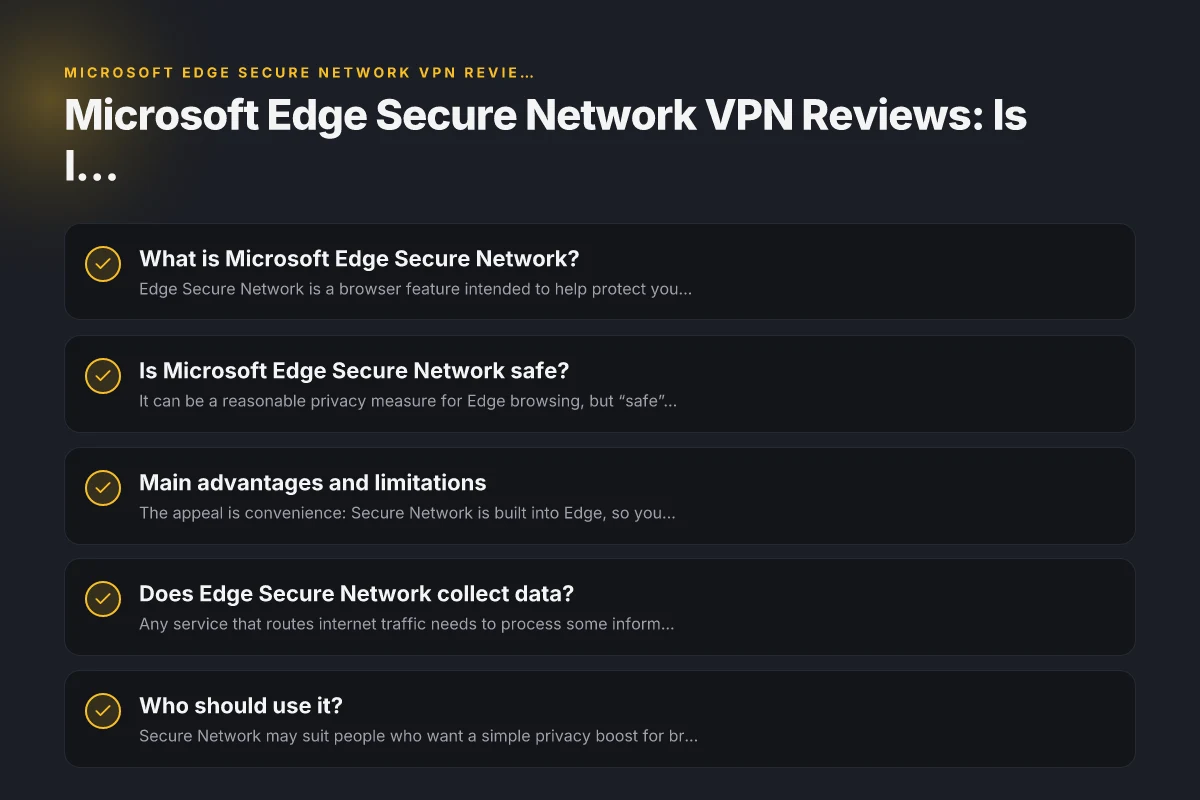
Is Microsoft Edge Secure Network safe?
It can be a reasonable privacy measure for Edge browsing, but “safe” depends on what you expect it to do. Encrypting or routing browser traffic through a privacy service may reduce exposure on a public or shared network. It does not make you anonymous, prevent every form of tracking, or protect traffic that does not go through Edge. Nord VPN in China: Does It Work and How to Prepare
A concern raised in user discussions is that a real IP address may still be exposed in some circumstances. This is a reminder not to assume the feature hides your identity in every situation. As with any privacy tool, the details of how it works, what traffic it covers, and what information the service processes matter.
Before relying on it, check the feature’s current settings and Microsoft’s privacy information. Availability and terms can change, and the precise experience may depend on your Edge version, account, and region.
What it can and cannot do
- Can: Add a layer of privacy for eligible traffic within Edge.
- May help: Reduce the visibility of browsing activity to other users of an untrusted network.
- Cannot: Protect every app or browser on your device.
- Cannot guarantee: Anonymity, complete protection from tracking, or concealment of your real IP in every scenario.
- Does not replace: Safe browsing habits, device security updates, or careful handling of personal information.
Main advantages and limitations
The appeal is convenience: Secure Network is built into Edge, so you may not need to install a separate browser extension to use it. For someone who mostly wants a little extra protection while browsing, that simplicity can be useful.
The trade-off is scope. A traditional VPN app generally aims to route traffic from the whole device, while Edge Secure Network is limited to browser traffic. User reports and reviews also mention a data cap and no option to purchase additional data. The available search results do not establish one universal allowance, so check the terms shown in your own browser rather than assuming a specific limit. Does Microsoft Edge Have VPN? What Edge Secure Network Does
| Feature | Edge Secure Network | Traditional VPN app |
|---|---|---|
| Traffic covered | Eligible traffic in Edge | Typically traffic from the device, depending on settings |
| Setup | Built into the browser where available | Requires installing or configuring an app |
| Best suited to | Basic privacy for Edge browsing | Broader, device-level VPN use |
| Potential limitation | Browser-only coverage and possible usage limits | Features and privacy practices vary by provider |
Neither category is automatically perfect or trustworthy. A full VPN still requires confidence in the provider and its privacy practices. The key is matching the tool to the protection you actually need.
Safety and privacy considerations
| Question | Assessment | Practical meaning | User consideration |
|---|---|---|---|
| Does it encrypt traffic? | Yes, for covered traffic | Helps protect data in transit | Only Edge traffic is covered |
| Does it hide the IP address? | Yes, while the service is active | Websites see a VPN exit address | It does not make users anonymous |
| Is it a full-device VPN? | No | Other apps use their normal connection | Use a system-wide VPN for all-app coverage |
| Is it powered by a third party? | Yes, Cloudflare provides the network | Traffic passes through the service infrastructure | Review both companies’ privacy terms |
| Does Microsoft collect some service data? | Yes, service-related data may be processed | Data handling is not the same as zero logging | Check current privacy disclosures |
| Does it stop tracking cookies? | No | Cookies and account-based tracking can remain | Use tracking protections separately |
| Does it protect against malware? | No | A VPN does not scan files or block every threat | Keep security software and updates enabled |
| Is it suitable for sensitive activity? | Use caution | Protection depends on the service and threat model | Consider a trusted full-featured VPN |
Compiled November 2026; check the provider's site for current details.
Does Edge Secure Network collect data?
Any service that routes internet traffic needs to process some information to provide the connection. That does not, by itself, establish that the provider is collecting or using browsing data in a way that compromises privacy. Conversely, a “secure” label alone is not enough to prove that no relevant data is handled. How to Enable VPN in Edge: Turn On Microsoft Edge Secure Network
Read Microsoft’s current privacy documentation for Secure Network and note which service providers are involved. Look for clear details about information processed, retention, and the service’s limits. Avoid relying on forum comments or marketing language as a substitute for the applicable privacy terms.
Also remember that browser privacy features do not stop every kind of tracking. Websites can still use cookies, account sign-ins, and other techniques to recognize you. If you are signed in to a site, that site can generally associate activity with your account regardless of whether you use a VPN-like feature.
Who should use it?
Secure Network may suit people who want a simple privacy boost for browsing in Edge and understand that the protection is limited to the browser. It can be especially relevant when using an unfamiliar or shared Wi-Fi connection, although it should not be treated as a guarantee of safety.
It is less suitable if you need to: VPN Extension for Edge: How to Choose and Use One
- Protect traffic from multiple browsers and desktop apps.
- Rely on a VPN connection for all device activity.
- Use a service with clearly defined data allowances that meet heavy usage needs.
- Depend on VPN features beyond basic browser privacy.
For those needs, compare reputable, full-device VPN services and review their privacy policies, technical capabilities, and terms. Do not choose one solely because it advertises itself as a VPN.
Which option fits your needs?
| Need or situation | Edge Secure Network | Full-device VPN | No VPN |
|---|---|---|---|
| Browse in Edge on public Wi-Fi | Good fit | Good fit | Less protection |
| Protect traffic in other apps | Not supported | Supported | Not supported |
| Use a wide choice of server locations | Limited | Often supported | Not applicable |
| Avoid installing a separate VPN app | Good fit | Usually not a fit | Good fit |
| Stream or transfer large amounts of data | Limited allowance may be restrictive | Often a better fit | No VPN allowance limit |
| Keep using a non-Edge browser | Not covered | Supported | Supported |
| Add a basic privacy layer for casual browsing | Good fit | Good fit | No added VPN layer |
| Seek complete anonymity online | Not sufficient | Not guaranteed | Not sufficient |
| Choose a simple option already in Edge | Good fit | Requires setup | Simplest, but unprotected by VPN |
Compiled November 2026; check the provider's site for current details.
Final recommendation
Microsoft Edge Secure Network is a convenient browser privacy feature, not a full replacement for a traditional VPN. Use it if its Edge-only coverage and current usage terms fit your needs, but do not assume it protects every connection or makes you anonymous. For device-wide protection, choose a reputable VPN service that clearly explains what traffic it covers and how it handles data. OVPN File: What It Is, How to Open It, and How to Use It