VPN Free: How to Choose a Free VPN Safely
Learn what a free VPN can and cannot do, how to compare options, and how to choose one that respects your privacy.
A VPN free of charge can be useful for basic privacy on public Wi-Fi or for changing the apparent location of your internet connection. But “free” does not guarantee that a service is private, secure, or suitable for every task. Compare the provider’s limits and privacy claims before installing an app or browser extension.
Editor's pick: NordVPN — fast, secure VPN — Strong encryption, a no-logs policy and apps for every device. 30-day money-back guarantee. Get NordVPN →
Free VPN comparison criteria
| Criterion | What to check | Why it matters | Warning sign |
|---|---|---|---|
| Data limit | Monthly allowance or unlimited access | Affects how long you can use the VPN | Limit is unclear |
| Speed | Expected performance and throttling | Affects browsing and streaming | Speed claims lack detail |
| Server locations | Countries and locations available | Determines access to nearby or regional servers | Locations are not listed |
| Privacy policy | Data collected and how it is used | Shows what the provider may learn about you | Policy is vague |
| Logging | Whether activity or connection data is retained | A VPN does not guarantee anonymity | Logging practices are unclear |
| Security | Encryption and connection protections | Helps protect traffic on public networks | Security details are missing |
| Business model | How the free service is funded | Helps assess incentives and privacy trade-offs | Monetization is unexplained |
| Device support | Supported operating systems and apps | Determines whether your devices are covered | Your device is unsupported |
Compiled November 2026; check the provider's site for current details.
| VPN | Obfuscation | From / month | Plan | Free plan | Refund | Alipay | UnionPay | Crypto | Website opens in China | Trustpilot | |
|---|---|---|---|---|---|---|---|---|---|---|---|
 Proton VPN | Turn on manually Stealth, free plan too | $2.99/mo | 12 months: $35.88 | Yes | 30 days | ✗ | ✗ | ✗ | ✓ | ✗ Blocked | 2.1/5 (1,040 reviews) |
 ZoogVPN | Turn on manually Shadow | $2.49/mo | 27 months: $59.99 | Yes | 7 days | ✓ | ✓ | ✓ | ✓ | Official site blocked; our special link opens (4.4 s) | 4.2/5 (195 reviews) |
 NordVPN | Turn on manually Obfuscated Servers / NordWhisper | $3.49/mo | 27 months: $94.23 | No | 30 days | ? | ✗ | ✓ | ✓ | ✗ Blocked | 4.2/5 (51,628 reviews) |
 ExpressVPN | ✓ On by default all servers | $3.00/mo | 28 months: $84 | No | 30 days | ✗ | ✗ | ✓ | ✗ | ✗ Blocked | 4.4/5 (29,706 reviews) |
 Surfshark | ✓ On by default Camouflage, with OpenVPN | See site | See site | No | 30 days | ✗ | ✗ | ✗ | ✓ | ✗ Blocked | 4.3/5 (31,823 reviews) |
 Astrill VPN | Turn on manually StealthVPN / OpenWeb | $12.50/mo | 24 months: $300 | No | See site | ✗ | ✗ | ✗ | ✓ | ✗ Blocked | 1.3/5 (110 reviews) |
 Private Internet Access | Turn on manually Shadowsocks, OpenVPN only | $2.03/mo | 40 months: $81.2 | No | 30 days | ✗ | ✗ | ✗ | ✗ | ✗ Blocked | 4.2/5 (11,033 reviews) |
 CyberGhost | Turn on manually selected servers | $2.19/mo | 28 months: $61.32 | No | 45 days | ✗ | ✗ | ✗ | ✓ | ✗ Blocked | 4.0/5 (24,178 reviews) |
 PureVPN | Turn on manually switch to OpenVPN | $1.69/mo | 60 months: $101.55 | No | 31 days | ? | ? | ✗ | ✓ | ✗ Blocked | 4.4/5 (17,994 reviews) |
 AdGuard VPN | ✓ On by default TrustTunnel | $2.99/mo | 24 months: $71.76 | Yes | 30 days | ✓ | ✗ | ✓ | ✓ | Official site blocked; our special link opens (3.7 s) | 4.3/5 (290 reviews) |
 Mullvad | Turn on manually QUIC / Shadowsocks / LWO | $5.61/mo | €5/mo | No | 14 days | ✗ | ✗ | ✗ | ✓ | ✗ Blocked | 3.2/5 (192 reviews) |
 Windscribe | Turn on manually Stealth / WStunnel | $5.75/mo | 12 months: $69 | Yes | See site | ✗ | ✗ | ✗ | ✓ | ✗ Blocked | 4.7/5 (13,355 reviews) |
 StrongVPN | Turn on manually Scramble, OpenVPN TCP | See site | See site | No | 30 days | ✓ | ✗ | ✗ | ✗ | ✗ Blocked | 4.4/5 (2,695 reviews) |
 LightXtreme 闪连 | Not listed | $7.08/mo | 12 months: $84.99 | Yes | 30 days | ✓ | ✓ | ✓ | ✓ | ✓ Yes (3.5 s) | No page |
Prices checked 2026-11-10 on each vendor's pricing page (cheapest long plan, USD). Check the vendor's checkout for the final price.
Obfuscation checked 2026-11-14 on each vendor's site and help center: "on by default" = nothing to set; "turn on manually" = switch protocol or mode in settings; "not listed" = the vendor describes no obfuscation.
Payment methods checked 2026-11-10 on each vendor's payment pages: all 14 take cards and PayPal; ✗ = not listed, ? = the vendor's own pages disagree.
China access: whether the official website opens from mainland China networks (tests the website only, not the VPN connection). Last checked 2026-11-18 01:02 Beijing time.
Trustpilot score and review count checked 2026-11-10.
What a free VPN does
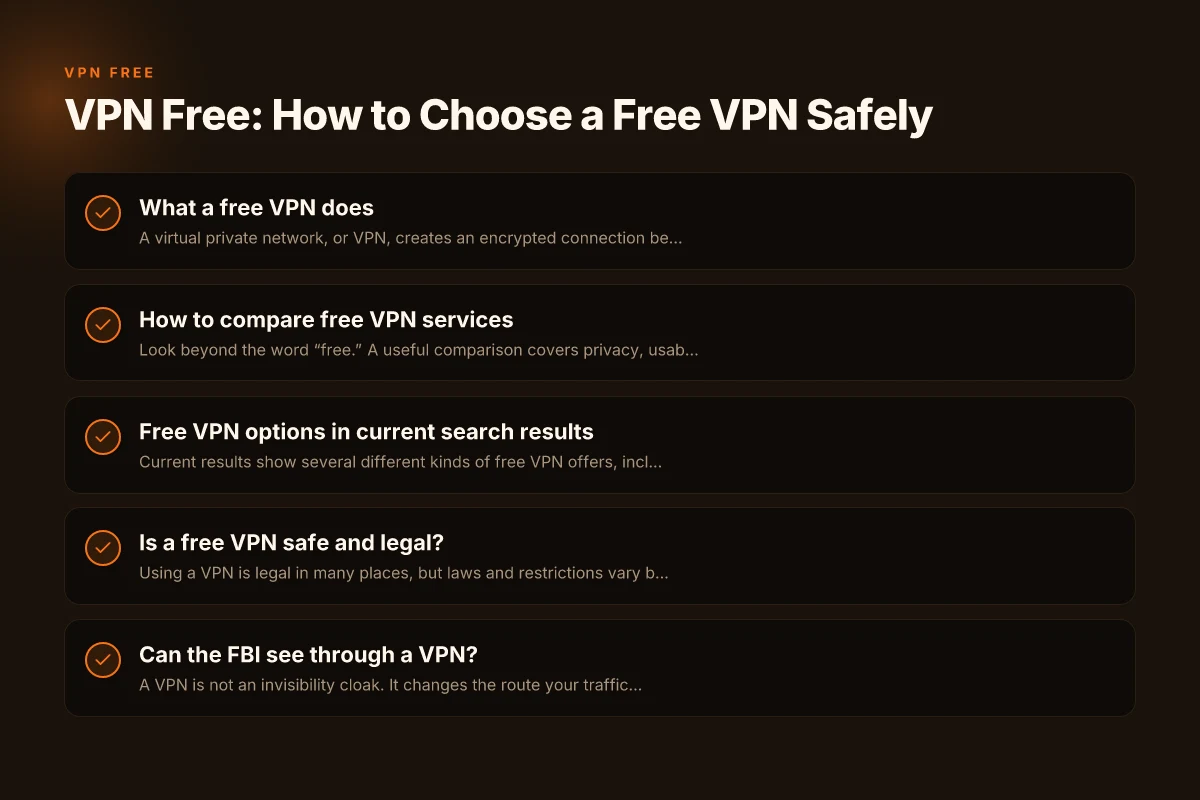
A virtual private network, or VPN, creates an encrypted connection between your device and a VPN server. Websites and online services generally see the server’s IP address rather than your device’s usual public IP address. Your internet provider may also have less visibility into the contents of your traffic while the VPN is connected.
A VPN has limits, though. It does not automatically hide your identity from websites where you sign in, prevent tracking through cookies, protect you from every malicious download, or make illegal activity legal. The VPN provider itself may be able to see some connection information, so its privacy policy and technical practices matter.
A free VPN may be enough for occasional browsing, but plans differ. Some restrict data, server locations, speed, or features. Others advertise unlimited traffic. Read the current terms rather than relying only on a headline or app-store description.
How to compare free VPN services
Look beyond the word “free.” A useful comparison covers privacy, usability, and restrictions. VPN Extension for Edge: How to Choose and Use One
| What to check | Why it matters |
|---|---|
| Data limits | A cap can make a service unsuitable for frequent browsing, video, or downloads. |
| Logging policy | Find out what activity or connection data the provider says it retains. |
| Ads and tracking | Check whether the service displays ads or describes data use for advertising. |
| Server access | Free plans may offer fewer locations or limit which servers you can use. |
| Device and app support | Confirm the service supports your operating system and the way you plan to connect. |
| Business model | Understand how the provider funds the service and whether its explanation is clear. |
Be cautious of promises such as “total anonymity” or “complete protection.” A trustworthy provider should explain the service’s limits as well as its benefits. Also check whether the VPN app comes from the provider’s official website or a recognized app store, and review requested permissions before installing it.
Free VPN options in current search results
Current results show several different kinds of free VPN offers, including full-device apps and browser extensions. Their claims are not interchangeable, so check the details for the specific product and platform you intend to use.
- Proton VPN: Its free-plan page says the plan has no data limit, no ads, and no logs of user activity. A current review result also identifies Proton as a leading free option. Confirm which features and server locations are available on the free plan.
- VeePN for Chrome: The Chrome Web Store listing promotes unlimited traffic and bandwidth. This is a browser extension, so do not assume it protects traffic from every app on your device.
- Bright VPN: Its website says it can unblock websites from more than 150 countries. Check the service’s privacy policy and how it operates before relying on that claim.
- Free VPN by Free VPN.org™: Its Google Play listing describes one-tap connections, encrypted traffic, and access without registration or payment details. Review the app’s permissions and privacy disclosures.
- UrbanVPN: Its website promotes a free service and a global network. As with any provider, examine how the service is funded and what data its policy says it handles.
These are examples surfaced for the search, not a guarantee that every service is right for you. Features, availability, and policies can change.
Is a free VPN safe and legal?
Using a VPN is legal in many places, but laws and restrictions vary by country. A VPN does not give users permission to break local laws or a website’s rules. If you are traveling or living somewhere with restrictions on VPN use, check reliable local guidance. Cj.cj.net VPN: What the Website Is and How to Find a VPN Partnership
Safety depends on the provider and the app, not just on whether you pay. A free service can be legitimate, but it may have trade-offs. If the provider is vague about ownership, logging, security, or funding, consider another option. Avoid apps that demand permissions unrelated to VPN operation or make sweeping guarantees without explaining how they work.
A VPN can also affect account security. Continue using strong, unique passwords and multi-factor authentication, and keep your device and apps updated. For sensitive work, follow your employer’s security instructions rather than choosing a consumer VPN on your own.
Is a free VPN right for your use?
| Use or concern | Free VPN may fit? | What to confirm | Safer decision |
|---|---|---|---|
| Basic browsing on public Wi-Fi | Sometimes | Security protections and privacy policy | Use a reputable provider |
| Occasional location changes | Sometimes | Available server locations | Check regional access |
| Streaming or large downloads | Often limited | Data allowance and speed | Check limits before use |
| Sensitive work or financial activity | Not by default | Logging, security, and provider trust | Consider a vetted paid service |
| Avoiding all tracking | No | VPNs do not prevent every form of tracking | Use broader privacy protections |
| Expecting invisibility from law enforcement | No | A VPN is not a guarantee of anonymity | Do not rely on it to evade investigation |
| Checking legality | Depends | Local laws and intended use | Follow applicable laws |
Compiled November 2026; check the provider's site for current details. OpenVPN Connect: What It Is and How to Get Started
Can the FBI see through a VPN?
A VPN is not an invisibility cloak. It changes the route your traffic takes and can reduce what your local network or internet provider sees, but it does not prevent all forms of identification or investigation.
Websites can still recognize you when you sign in, and activity may be associated with other identifiers. A VPN provider may hold information under its own policies, and investigators may use legal processes or other evidence. The exact answer depends on the provider, the circumstances, and applicable law. Do not choose a VPN on the assumption that it makes you impossible to trace.
Recommendation
For casual use, choose a free VPN with clear privacy disclosures, transparent limits, and an app from an official source. Proton VPN stands out among the listed options because its free-plan page claims no data limit, ads, or activity logs. Verify the current terms before signing up, and remember that a VPN supports privacy, it does not guarantee anonymity or replace good security habits.