Turn Off Microsoft Edge VPN: Disable Secure Network Step by Step
Learn how to turn off Microsoft Edge Secure Network, check whether it is active, and troubleshoot when the switch is missing.
To turn off Microsoft Edge VPN, open Edge’s Settings, select Privacy, search, and services, then switch off Microsoft Edge Secure Network. The feature is Edge’s built-in VPN-style protection, and its settings or toolbar indicator may vary by version and account. Turning it off stops Secure Network from protecting your Edge browsing. It does not necessarily disable a separate VPN app or service on your device.

Editor's pick: NordVPN — fast, secure VPN — Strong encryption, a no-logs policy and apps for every device. 30-day money-back guarantee. Get NordVPN →
Compare the ways to turn off Edge Secure Network
| Option | Where to look | Steps | Best for | Limitation |
|---|---|---|---|---|
| Edge Settings | Settings > Privacy, search, and services | Switch Secure Network off | A clear, full-page control | Menu names can vary |
| Toolbar | Edge toolbar | Open Secure Network and switch it off | Quick access | Control may be hidden |
| Toolbar overflow | Toolbar’s More menu | Find Secure Network, then switch it off | When the icon is tucked away | Not available if the feature is missing |
| Browser search | Edge Settings search | Search for “Secure Network” | Finding the setting quickly | Requires the setting to exist |
| Restart Edge | Browser window | Close and reopen Edge after changing the setting | Checking whether the change took effect | Does not replace switching it off |
| Check account or region | Edge profile and availability | Confirm the feature is available for your setup | Troubleshooting a missing switch | Availability can vary |
Compiled November 2026; check the provider's site for current details.
| VPN | Obfuscation | From / month | Plan | Free plan | Refund | Alipay | UnionPay | Crypto | Website opens in China | Trustpilot | |
|---|---|---|---|---|---|---|---|---|---|---|---|
 ZoogVPN | Turn on manually Shadow | $2.49/mo | 27 months: $59.99 | Yes | 7 days | ✓ | ✓ | ✓ | ✓ | Official site blocked; our special link opens (4.4 s) | 4.2/5 (195 reviews) |
 NordVPN | Turn on manually Obfuscated Servers / NordWhisper | $3.49/mo | 27 months: $94.23 | No | 30 days | ? | ✗ | ✓ | ✓ | ✗ Blocked | 4.2/5 (51,628 reviews) |
 ExpressVPN | ✓ On by default all servers | $3.00/mo | 28 months: $84 | No | 30 days | ✗ | ✗ | ✓ | ✗ | ✗ Blocked | 4.4/5 (29,706 reviews) |
 Surfshark | ✓ On by default Camouflage, with OpenVPN | See site | See site | No | 30 days | ✗ | ✗ | ✗ | ✓ | ✗ Blocked | 4.3/5 (31,823 reviews) |
 Proton VPN | Turn on manually Stealth, free plan too | $2.99/mo | 12 months: $35.88 | Yes | 30 days | ✗ | ✗ | ✗ | ✓ | ✗ Blocked | 2.1/5 (1,040 reviews) |
 Astrill VPN | Turn on manually StealthVPN / OpenWeb | $12.50/mo | 24 months: $300 | No | See site | ✗ | ✗ | ✗ | ✓ | ✗ Blocked | 1.3/5 (110 reviews) |
 Private Internet Access | Turn on manually Shadowsocks, OpenVPN only | $2.03/mo | 40 months: $81.2 | No | 30 days | ✗ | ✗ | ✗ | ✗ | ✗ Blocked | 4.2/5 (11,033 reviews) |
 CyberGhost | Turn on manually selected servers | $2.19/mo | 28 months: $61.32 | No | 45 days | ✗ | ✗ | ✗ | ✓ | ✗ Blocked | 4.0/5 (24,178 reviews) |
 PureVPN | Turn on manually switch to OpenVPN | $1.69/mo | 60 months: $101.55 | No | 31 days | ? | ? | ✗ | ✓ | ✗ Blocked | 4.4/5 (17,994 reviews) |
 AdGuard VPN | ✓ On by default TrustTunnel | $2.99/mo | 24 months: $71.76 | Yes | 30 days | ✓ | ✗ | ✓ | ✓ | Official site blocked; our special link opens (3.7 s) | 4.3/5 (290 reviews) |
 Mullvad | Turn on manually QUIC / Shadowsocks / LWO | $5.61/mo | €5/mo | No | 14 days | ✗ | ✗ | ✗ | ✓ | ✗ Blocked | 3.2/5 (192 reviews) |
 Windscribe | Turn on manually Stealth / WStunnel | $5.75/mo | 12 months: $69 | Yes | See site | ✗ | ✗ | ✗ | ✓ | ✗ Blocked | 4.7/5 (13,355 reviews) |
 StrongVPN | Turn on manually Scramble, OpenVPN TCP | See site | See site | No | 30 days | ✓ | ✗ | ✗ | ✗ | ✗ Blocked | 4.4/5 (2,695 reviews) |
 LightXtreme 闪连 | Not listed | $7.08/mo | 12 months: $84.99 | Yes | 30 days | ✓ | ✓ | ✓ | ✓ | ✓ Yes (3.5 s) | No page |
Prices checked 2026-11-10 on each vendor's pricing page (cheapest long plan, USD). Check the vendor's checkout for the final price.
Obfuscation checked 2026-11-14 on each vendor's site and help center: "on by default" = nothing to set; "turn on manually" = switch protocol or mode in settings; "not listed" = the vendor describes no obfuscation.
Payment methods checked 2026-11-10 on each vendor's payment pages: all 14 take cards and PayPal; ✗ = not listed, ? = the vendor's own pages disagree.
China access: whether the official website opens from mainland China networks (tests the website only, not the VPN connection). Last checked 2026-11-18 01:02 Beijing time.
Trustpilot score and review count checked 2026-11-10.
Turn off Secure Network in Edge Settings
- Open Microsoft Edge.
- Select the three-dot menu in the upper-right corner.
- Choose Settings.
- Select Privacy, search, and services.
- Find Microsoft Edge Secure Network or Secure Network.
- Switch the feature off.
The setting may also appear under a section related to security or services, depending on your Edge version. If you cannot find it, use the Settings search box and search for Secure Network.
After switching it off, revisit the setting to check that it remains disabled. If you had selected an automatic protection option rather than an always-on setting, the feature may only have been active for certain networks or browsing situations.
Turn it off from the toolbar
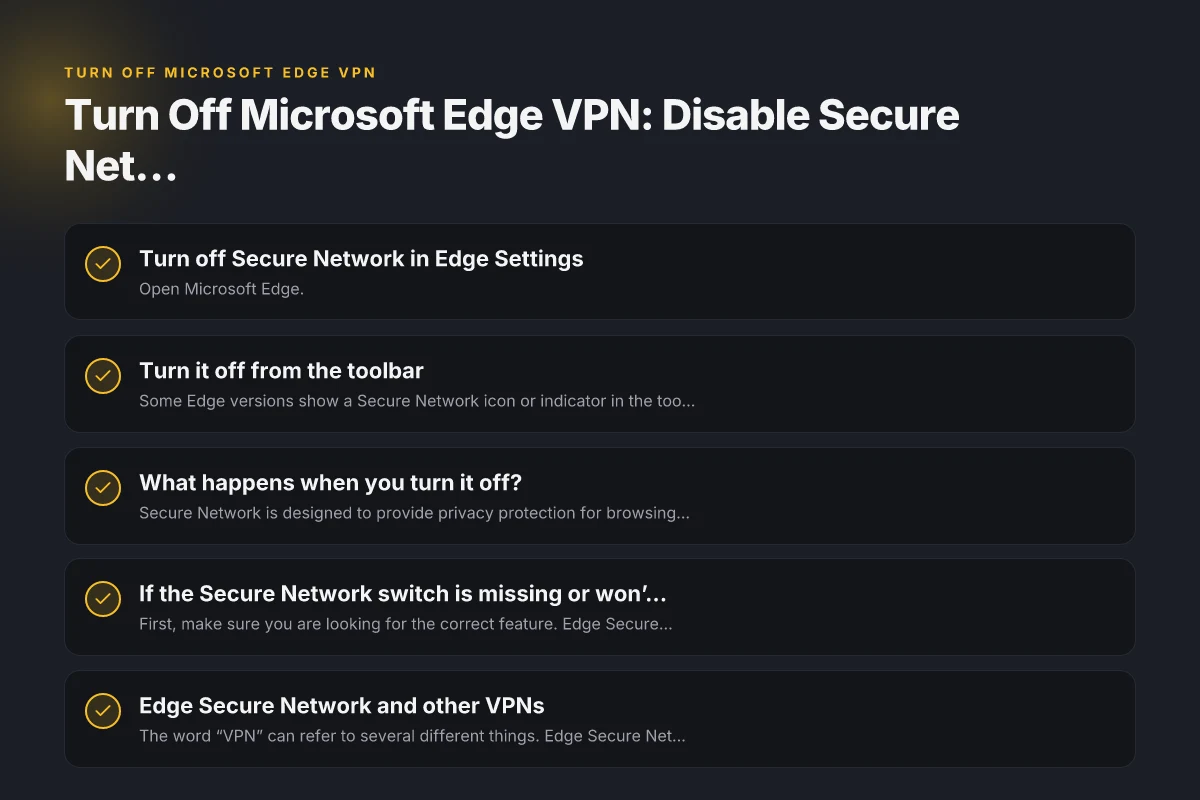
Some Edge versions show a Secure Network icon or indicator in the toolbar. If you see one, select it to open the feature’s controls. You may be able to turn Secure Network off there or open its settings.
If the icon is not visible: Urban VPN for Edge: How to Install and What to Know
- Check Edge Settings for the Secure Network controls.
- Look in the browser’s toolbar or menu for hidden or pinned items.
- Update Edge, then check again.
- Remember that the icon may not appear if Secure Network is unavailable or not enabled for your account.
The toolbar shortcut is convenient, but the Settings page is the better place to confirm the feature’s status.
What changes when Secure Network is off?
| Area | Secure Network on | Secure Network off | What to check |
|---|---|---|---|
| Edge protection | Secure Network is enabled | Edge Secure Network is disabled | Secure Network switch |
| Network routing | Traffic may use the Secure Network service | Traffic no longer uses that service | Other VPN settings |
| Other VPN apps | May be enabled separately | Remain separate from Edge’s switch | VPN app status |
| Toolbar indicator | May show Secure Network status | May show it is off or disappear | Toolbar and overflow menu |
| Edge browsing | Uses Secure Network when available | Browses without Edge Secure Network | Current network connection |
| Privacy controls | Edge feature is active | Edge feature is inactive | Other privacy protections |
Compiled November 2026; check the provider's site for current details.
What happens when you turn it off?
Secure Network is designed to provide privacy protection for browsing in Edge. When you disable it, Edge stops routing browsing through that feature. Your regular internet connection continues to work, but Secure Network no longer provides its protection. FortiGate VPN: How It Works, Setup Options, and Choosing a Client
| What you change | What it affects |
|---|---|
| Turn off Edge Secure Network | Secure Network protection for Edge browsing |
| Disconnect a separate VPN app | The VPN connection managed by that app or service |
| Change Windows network settings | Device-level network or proxy configuration |
This distinction matters if you still see a VPN indicator after disabling Secure Network. The connection may be coming from a separate VPN application, a work or school configuration, or another network tool. Turning off Edge Secure Network does not automatically switch those services off.
If the Secure Network switch is missing or won’t turn off
First, make sure you are looking for the correct feature. Edge Secure Network is different from a VPN installed on Windows or a VPN browser extension. If Secure Network does not appear in Edge Settings, it may not be available in your current version, account, or configuration.
Try these checks:
- Update Edge: Open Settings, select About Microsoft Edge, and allow the browser to check for updates.
- Check the signed-in account: Microsoft’s Secure Network information says to sign in to Edge with a personal Microsoft account to use the feature. Account requirements or availability can affect what you see.
- Restart Edge: Close the browser completely, reopen it, and check the setting again.
- Check for management: On a work or school device, an administrator may control browser features. If a setting is managed, contact your organization’s IT support rather than trying to bypass the policy.
- Check other VPN tools: Review your installed VPN apps, extensions, and device network settings if your connection still appears protected or routed through a VPN.
If the setting appears but is disabled or locked, an administrator policy or account limitation may be involved. Edge may display that a setting is managed by your organization. Cisco AnyConnect VPN: How to Install, Connect, and Choose the Right App
Edge Secure Network and other VPNs
The word “VPN” can refer to several different things. Edge Secure Network is a browser feature, while a standalone VPN app can protect traffic from more than just Edge. A browser extension may also offer its own proxy or VPN-like service.
To identify what is active, check the Secure Network setting in Edge first. Then look at your device’s VPN settings and any VPN apps or extensions you use. Disable only the service you intend to stop. Switching off Secure Network will not necessarily disconnect another VPN.
Troubleshoot and choose a VPN option
| Situation | Likely cause | What to try | Alternative | Result to expect |
|---|---|---|---|---|
| Switch is missing | Feature may not be available in your setup | Search Edge Settings for Secure Network | Check Edge availability | Setting may not appear |
| Toolbar icon is missing | Icon may be hidden | Open the toolbar overflow menu | Use Edge Settings | Setting can still be available |
| Switch will not turn off | Edge may not have applied the change | Try switching it off in Settings | Restart Edge and check again | Verify the switch stays off |
| You use another VPN | VPN is separate from Edge Secure Network | Turn off the Edge feature only | Manage the VPN in its own app | Other VPN can remain active |
| You want Edge Secure Network off | You do not want this Edge feature active | Disable it in Settings or toolbar | Keep other privacy tools as needed | Edge Secure Network stops being used |
| You want VPN protection | Edge’s switch controls only its own feature | Leave a separate VPN enabled | Choose a VPN service separately | Edge and the VPN are managed separately |
Compiled November 2026; check the provider's site for current details. Tuxler VPN Extension: How It Works, Installation, and What to Know
Recommendation
For the quickest way to turn off Microsoft Edge VPN, disable Secure Network in Edge’s Privacy, search, and services settings, then verify that the switch is off. If the option is missing or managed, update Edge and check your account or device policies. If a VPN indicator remains, investigate separate apps or network settings rather than assuming Edge Secure Network is still active.