Sslvpn poscoenc.com: How to Find the Official POSCO E&C VPN Access
Find the official POSCO E&C website, understand what the SSL VPN search means, and follow safe steps to verify access.
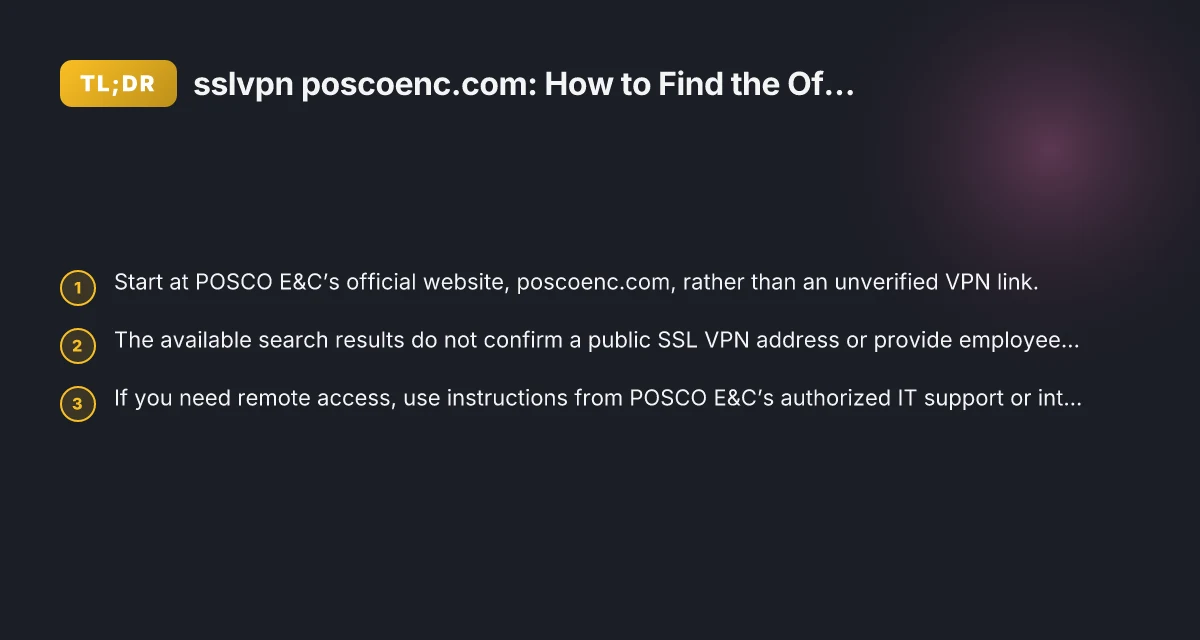
If you searched for “sslvpn poscoenc.com,” you are likely trying to find POSCO E&C’s secure remote-access service. The official company website is https://www.poscoenc.com/, but the available search results do not verify a specific SSL VPN portal or explain how to sign in. For safety, confirm the correct VPN address and access requirements through an authorized POSCO E&C channel before entering your credentials.

Editor's pick: NordVPN — fast, secure VPN — Strong encryption, a no-logs policy and apps for every device. 30-day money-back guarantee. Get NordVPN →
Official VPN Access Routes
| Route | How to identify it | What to verify | Safe next step | When to use |
|---|---|---|---|---|
| POSCO E&C official website | Confirm the domain belongs to POSCO E&C | VPN guidance is published there | Follow the published instructions | Start here if unsure |
| Employer-provided instructions | Check the source is an official company channel | The link and sign-in method are current | Use the supplied link | Use when access is work-related |
| Company IT or help desk | Find contact details through a trusted company source | The contact is authorized to support VPN access | Ask for the official access route | Use if instructions are missing |
| Search result for sslvpn poscoenc.com | Treat it as a lead, not proof | Confirm the destination and instructions independently | Do not enter credentials until verified | Use only to guide further checking |
| Unverified third-party page | Look for an official source before proceeding | Company ownership is not established | Avoid links and downloads | Do not use for sign-in |
Compiled November 2026; check the provider's site for current details.
| VPN | Obfuscation | From / month | Plan | Free plan | Refund | Alipay | UnionPay | Crypto | Website opens in China | Trustpilot | |
|---|---|---|---|---|---|---|---|---|---|---|---|
 ZoogVPN | Turn on manually Shadow | $2.49/mo | 27 months: $59.99 | Yes | 7 days | ✓ | ✓ | ✓ | ✓ | Official site blocked; our special link opens (4.4 s) | 4.2/5 (195 reviews) |
 NordVPN | Turn on manually Obfuscated Servers / NordWhisper | $3.49/mo | 27 months: $94.23 | No | 30 days | ? | ✗ | ✓ | ✓ | ✗ Blocked | 4.2/5 (51,628 reviews) |
 ExpressVPN | ✓ On by default all servers | $3.00/mo | 28 months: $84 | No | 30 days | ✗ | ✗ | ✓ | ✗ | ✗ Blocked | 4.4/5 (29,706 reviews) |
 Surfshark | ✓ On by default Camouflage, with OpenVPN | See site | See site | No | 30 days | ✗ | ✗ | ✗ | ✓ | ✗ Blocked | 4.3/5 (31,823 reviews) |
 Proton VPN | Turn on manually Stealth, free plan too | $2.99/mo | 12 months: $35.88 | Yes | 30 days | ✗ | ✗ | ✗ | ✓ | ✗ Blocked | 2.1/5 (1,040 reviews) |
 Astrill VPN | Turn on manually StealthVPN / OpenWeb | $12.50/mo | 24 months: $300 | No | See site | ✗ | ✗ | ✗ | ✓ | ✗ Blocked | 1.3/5 (110 reviews) |
 Private Internet Access | Turn on manually Shadowsocks, OpenVPN only | $2.03/mo | 40 months: $81.2 | No | 30 days | ✗ | ✗ | ✗ | ✗ | ✗ Blocked | 4.2/5 (11,033 reviews) |
 CyberGhost | Turn on manually selected servers | $2.19/mo | 28 months: $61.32 | No | 45 days | ✗ | ✗ | ✗ | ✓ | ✗ Blocked | 4.0/5 (24,178 reviews) |
 PureVPN | Turn on manually switch to OpenVPN | $1.69/mo | 60 months: $101.55 | No | 31 days | ? | ? | ✗ | ✓ | ✗ Blocked | 4.4/5 (17,994 reviews) |
 AdGuard VPN | ✓ On by default TrustTunnel | $2.99/mo | 24 months: $71.76 | Yes | 30 days | ✓ | ✗ | ✓ | ✓ | Official site blocked; our special link opens (3.7 s) | 4.3/5 (290 reviews) |
 Mullvad | Turn on manually QUIC / Shadowsocks / LWO | $5.61/mo | €5/mo | No | 14 days | ✗ | ✗ | ✗ | ✓ | ✗ Blocked | 3.2/5 (192 reviews) |
 Windscribe | Turn on manually Stealth / WStunnel | $5.75/mo | 12 months: $69 | Yes | See site | ✗ | ✗ | ✗ | ✓ | ✗ Blocked | 4.7/5 (13,355 reviews) |
 StrongVPN | Turn on manually Scramble, OpenVPN TCP | See site | See site | No | 30 days | ✓ | ✗ | ✗ | ✗ | ✗ Blocked | 4.4/5 (2,695 reviews) |
 LightXtreme 闪连 | Not listed | $7.08/mo | 12 months: $84.99 | Yes | 30 days | ✓ | ✓ | ✓ | ✓ | ✓ Yes (3.5 s) | No page |
Prices checked 2026-11-10 on each vendor's pricing page (cheapest long plan, USD). Check the vendor's checkout for the final price.
Obfuscation checked 2026-11-14 on each vendor's site and help center: "on by default" = nothing to set; "turn on manually" = switch protocol or mode in settings; "not listed" = the vendor describes no obfuscation.
Payment methods checked 2026-11-10 on each vendor's payment pages: all 14 take cards and PayPal; ✗ = not listed, ? = the vendor's own pages disagree.
China access: whether the official website opens from mainland China networks (tests the website only, not the VPN connection). Last checked 2026-11-18 01:02 Beijing time.
Trustpilot score and review count checked 2026-11-10.
What the search results confirm
The search results identify POSCO E&C’s official website and company information. They also show a separate login page on the pvdi.posco.net domain, but the result provides no details that establish it as POSCO E&C’s SSL VPN service.
A search result alone is not enough to verify that a login page is genuine or intended for your account. Avoid assuming that a page is the right VPN portal just because its address contains “posco” or appears alongside POSCO E&C results.
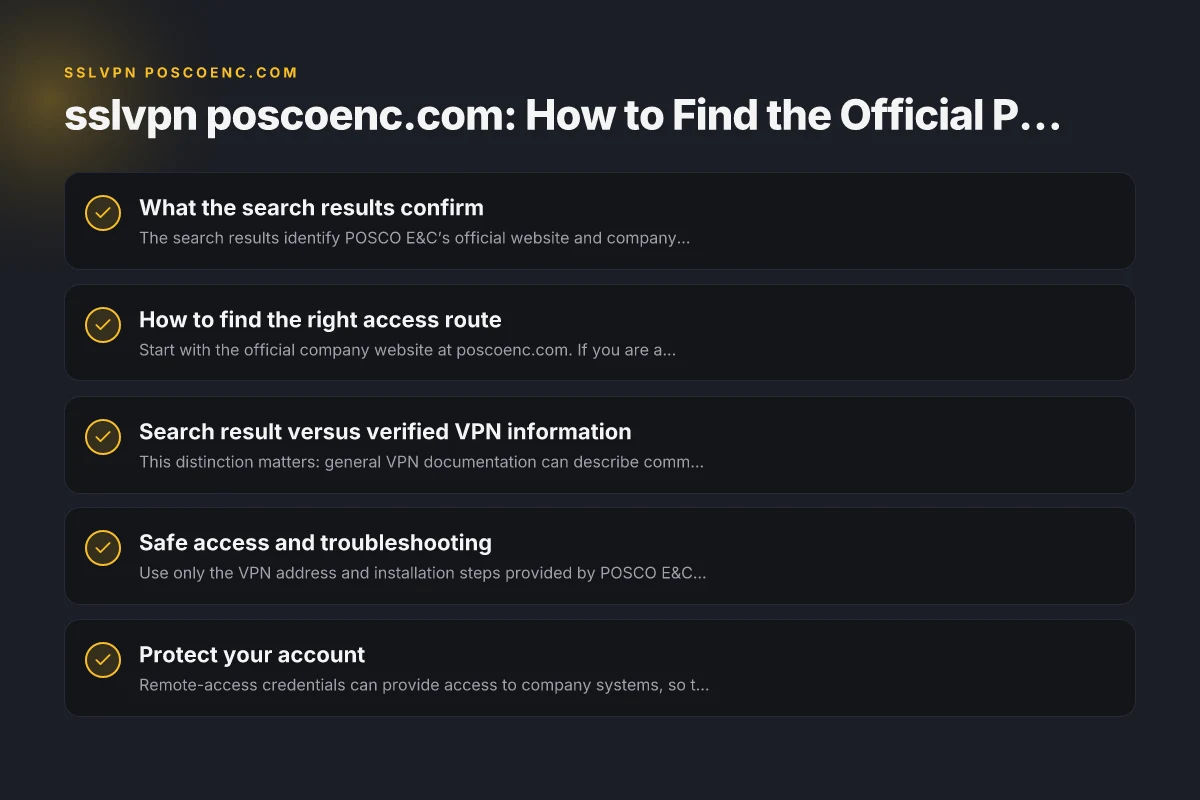
How to find the right access route
Start with the official company website at poscoenc.com. If you are an employee, contractor, or other authorized user, check your organization’s approved internal instructions or contact its IT support team for the exact VPN URL and sign-in process.
Before continuing, confirm: Free VPN Extension for Edge: What to Know Before You Install
- The address was supplied through an official company channel.
- The page uses the expected company domain or an IT-approved service.
- You have been told whether a VPN client, agent, or other setup is required.
- You know whom to contact if sign-in fails.
Do not rely on links from unfamiliar messages, unofficial forums, or copied search snippets to access a corporate network.
Search result versus verified VPN information
| Search result | What it indicates | What it does not establish |
|---|---|---|
POSCO E&C website, poscoenc.com |
The company’s official public website | A specific SSL VPN login address |
pvdi.posco.net login result |
A page with a login route on that domain | That it is the SSL VPN portal or is available to you |
| SSL VPN setup documentation from Ncloud | General guidance about an SSL VPN agent | That POSCO E&C uses that service or setup |
This distinction matters: general VPN documentation can describe common connection steps, but it does not confirm which system a particular company uses. Likewise, a login page appearing in search results is not proof that it is the correct destination for your work account.
Safe access and troubleshooting
Use only the VPN address and installation steps provided by POSCO E&C or your authorized IT administrator. If the instructions require software, obtain it from the source they specify. Do not install an agent from a third-party download site or disclose your password on a page whose identity you cannot verify.
If you cannot connect, ask IT support to confirm the portal address, account eligibility, and any required device or network settings. Share the error message through an approved support channel, but never send your password or authentication codes. Microsoft Edge Secure Network VPN: What It Does and How to Use It
Search Results Versus Verified VPN Information
| Item | Search results may show | What counts as verification | Safe response |
|---|---|---|---|
| Domain name | A page or address resembling POSCO E&C | Confirmation through an official company source | Check the destination before opening |
| VPN availability | A result that mentions VPN access | Current instructions from POSCO E&C or its authorized IT team | Ask IT if availability is unclear |
| Sign-in page | A prompt for account details | Confirmation that the page is the approved login route | Do not submit credentials to an unverified page |
| Software or configuration | A download or setup suggestion | Installation guidance from an official source | Avoid third-party downloads |
| Access problem | Generic troubleshooting advice | Instructions that match company guidance | Contact authorized IT support |
| Account security | Requests to share or reset credentials | Approved company account procedures | Keep passwords and verification codes private |
Compiled November 2026; check the provider's site for current details.
Protect your account
Remote-access credentials can provide access to company systems, so treat VPN sign-in details as confidential. Use your organization’s approved authentication method, sign out when finished on shared devices, and report suspicious login prompts or unexpected installation requests to IT.
If you reached a page through a search result and are unsure whether it is legitimate, stop before entering credentials. Verify the address independently through an official company contact or internal resource. Clash for iOS: How to Choose and Set Up a Compatible App
Recommendation
For “sslvpn poscoenc.com,” use https://www.poscoenc.com/ as the confirmed public starting point, then ask POSCO E&C’s authorized IT support for the verified SSL VPN link and instructions. The search results provided here do not confirm a public VPN portal, so do not treat an unverified login page as official.