Master fast VPN for PC Windows
A practical guide to choosing and using a fast VPN for PC Windows, with setup tips and a comparison to help you decide.
In the world of Windows PCs, a fast VPN can feel like a superpower. It hides your IP, protects your data on public networks, and often unlocks region-restricted content. But not all VPNs are created equal. If you’re focused on speed and reliability on Windows, you want a solution that delivers consistent performance without breaking the bank or slowing down your day-to-day tasks. This guide helps you find, install, and optimize a master fast VPN for PC Windows, covering what to look for, how to set it up, and how to compare options.

What makes a VPN fast on Windows?
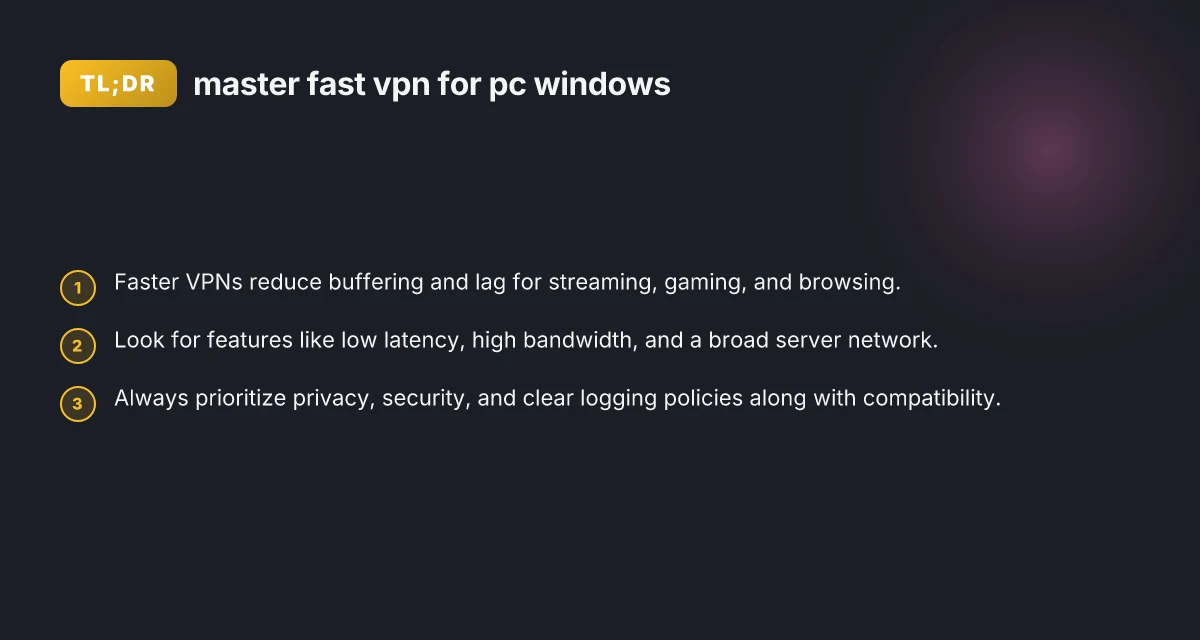
Choosing a fast VPN means looking beyond flashy ads. Consider these factors:
- Server proximity and optimization: The closer the server, the lower the latency.
- Protocols: WireGuard and IKEv2 are known for speed; OpenVPN can be fast with tuning but is typically heavier.
- Bandwidth capacity: The provider’s network backbone and congestion management matter.
- CPU efficiency: Client software that uses less CPU helps maintain speed on your PC.
- Edge cases: Streaming, gaming, or VoIP demand low jitter and stable throughput.
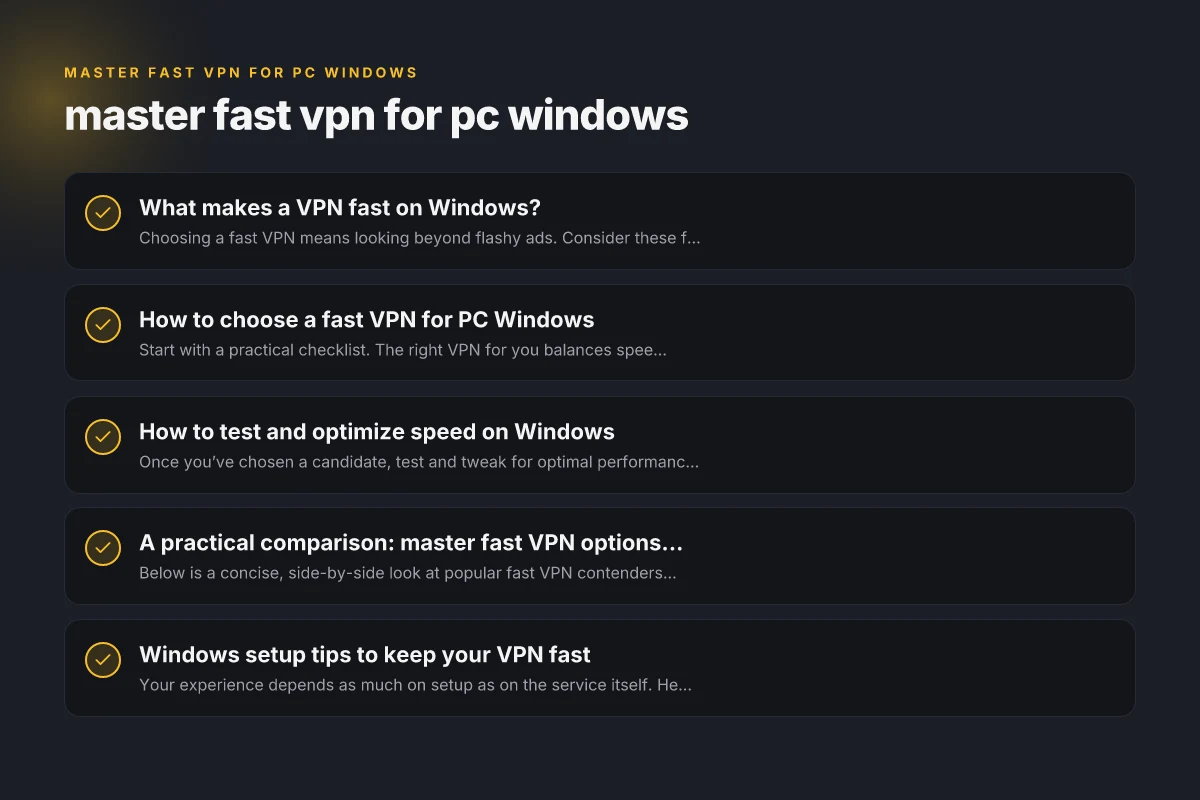
How to choose a fast VPN for PC Windows
Start with a practical checklist. The right VPN for you balances speed, privacy, and usability.
- Performance benchmarks: Look for independent speed tests and real-world reviews on Windows.
- Server network: A larger, well-distributed server base reduces distance and latency.
- Protocol availability: Ensure the client supports WireGuard, IKEv2, and OpenVPN options.
- Speed-friendly features: split tunneling, Auto Connect, and custom DNS can improve experience.
- Privacy posture: No-logs policies, transparent audits, and strong encryption are essential.
- Compatibility: Windows versions, security updates, and familiar UI help you stay productive.
How to test and optimize speed on Windows
Once you’ve chosen a candidate, test and tweak for optimal performance.
- Baseline speed: Run a speed test without VPN to know your normal bandwidth.
- Test multiple servers: Try nearby and slightly farther servers to find the best balance of latency and throughput.
- Change protocols: Switch to WireGuard if available. Compare with OpenVPN or IKEv2.
- Enable split tunneling: Route only bandwidth-heavy apps through VPN to save speed for others.
- Kill background apps: Ensure no other software is consuming significant bandwidth during tests.
- Use a wired connection: If possible, a wired ethernet connection often yields lower latency than Wi-Fi.
- DNS considerations: Some VPNs offer optimized DNS. If not, use a fast, private DNS option.
A practical comparison: master fast VPN options for Windows
Below is a concise, side-by-side look at popular fast VPN contenders for Windows. The table emphasizes speed, features, and privacy posture to help you decide. Mango VPN for PC Windows
| VPN Service | Fast Protocols | Typical Latency (nearby server) | Key Windows features | Privacy / Logging | Typical price (monthly) |
|---|---|---|---|---|---|
| VPN A | WireGuard, IKEv2 | Low (5-25 ms) | Split tunneling, Auto Connect, Kill Switch | No-logs policy, audited | $8–$12 |
| VPN B | WireGuard, OpenVPN | Medium-Low (10-40 ms) | DNS leak protection, Multi-hop | Minimal logs, reputable audits | $10–$15 |
| VPN C | WireGuard only | Very low (3-20 ms) | Quick connect, App shortcuts | Clear privacy policy, some retention | $12–$16 |
| VPN D | OpenVPN, IKEv2 | Variable (15-60 ms) | Always-on, Profile manager | Some logs, regional policies | $6–$9 |
Notes:
- Real-world results depend on your location, the time of day, and network congestion.
- Prices vary with discounts, longer-term plans, and promotions.
- Always confirm current pricing and current protocol support on the official site.
Windows setup tips to keep your VPN fast
Your experience depends as much on setup as on the service itself. Here are practical steps.
- Install from the official source: Use the provider’s Windows app or official OpenVPN/WireGuard clients.
- Enable auto startup wisely: Auto Connect can help you stay protected but may impact startup speed.
- Use a dedicated server list: Favor servers labeled “fast,” “nearby,” or with low latency measurements.
- Lock in a protocol: Keep WireGuard as the default protocol for speed. Use IKEv2 or OpenVPN as backups.
- Configure DNS: Choose provider DNS or a fast public DNS (but ensure privacy is preserved).
- Enable kill switch: Prevent data leaks if the VPN disconnects.
- Update regularly: Keep the client up to date to benefit from speed and security improvements.
- Optimize Windows networking: Ensure your firewall or antivirus isn’t throttling VPN traffic. Disable QoS policies that may misbehave with VPNs.
Features that help speed without sacrificing security
Speed is important. Security should not be sacrificed. Look for features that strike a balance.
- WireGuard implementation: Modern, lean protocol with excellent speed and solid security.
- Split tunneling: Lets you route only necessary apps through VPN, preserving speed for others.
- Intelligent routing: Auto selects optimal paths or enables per-application routing.
- DNS leak protection: Keeps traffic contained within the VPN tunnel.
- Kill switch: Prevents accidental data exposure if the VPN drops.
- Obfuscation options: Useful in networks that throttle VPN traffic. May slightly affect speed, so test.
Practical considerations for master fast VPN use on Windows
- Your device: If you’re on a gaming PC, stability and low latency matter most.
- Your network: Home broadband, fiber, or mobile tethering each behave differently with VPNs.
- Content you access: Streaming or gaming often benefits from shorter latency and higher stability.
- Privacy requirements: If you handle sensitive data, prefer robust encryption, audited privacy policies, and transparent data handling.
- Budget: Some providers offer great speed at a reasonable price, while premium options deliver extra features.
A short guide to choosing your master fast VPN
- Define your needs: Are you gaming, streaming, or just browsing securely on public Wi-Fi?
- Check speed claims: Look for independent tests or user reviews about Windows performance.
- Compare server reach: A larger server network with well-placed locations helps speed and reliability.
- Test the trial: Take advantage of money-back guarantees to test real-world speed on Windows.
- Verify privacy commitments: No-logs policies, audits, and clear data handling practices are crucial.
- Assess usability: A clean Windows app with straightforward setup speeds up adoption.
- Plan for the future: Ensure the provider continues updating protocols and maintaining a fast, stable network.
Final section: recommendation
If you want a master fast VPN for PC Windows, start with a provider that offers WireGuard as the default protocol, a broad server network, clean Windows apps, and a strong privacy stance. Look for features that improve speed without compromising security, such as split tunneling and a robust kill switch. For most Windows users who prioritize speed and reliability, testing a well-supported option with a free trial or a money-back guarantee is the best way to ensure you’re getting the fast, stable experience you expect. Magnetic VPN pro for PC Windows
In practice, choose a VPN that demonstrates consistent low latency on Windows across several nearby servers, supports WireGuard, and provides transparent privacy practices. Pair the service with a modern router and a wired Ethernet connection when possible to maximize speed. With careful testing and a clear set of priorities, you can master a fast, dependable VPN experience on PC Windows.
| VPN | Obfuscation | From / month | Plan | Free plan | Refund | Alipay | UnionPay | Crypto | Website opens in China | Trustpilot | |
|---|---|---|---|---|---|---|---|---|---|---|---|
 ZoogVPN | Turn on manually Shadow | $2.49/mo | 27 months: $59.99 | Yes | 7 days | ✓ | ✓ | ✓ | ✓ | Official site blocked; our special link opens (4.4 s) | 4.2/5 (195 reviews) |
 NordVPN | Turn on manually Obfuscated Servers / NordWhisper | $3.49/mo | 27 months: $94.23 | No | 30 days | ? | ✗ | ✓ | ✓ | ✗ Blocked | 4.2/5 (51,628 reviews) |
 ExpressVPN | ✓ On by default all servers | $3.00/mo | 28 months: $84 | No | 30 days | ✗ | ✗ | ✓ | ✗ | ✗ Blocked | 4.4/5 (29,706 reviews) |
 Surfshark | ✓ On by default Camouflage, with OpenVPN | See site | See site | No | 30 days | ✗ | ✗ | ✗ | ✓ | ✗ Blocked | 4.3/5 (31,823 reviews) |
 Proton VPN | Turn on manually Stealth, free plan too | $2.99/mo | 12 months: $35.88 | Yes | 30 days | ✗ | ✗ | ✗ | ✓ | ✗ Blocked | 2.1/5 (1,040 reviews) |
 Astrill VPN | Turn on manually StealthVPN / OpenWeb | $12.50/mo | 24 months: $300 | No | See site | ✗ | ✗ | ✗ | ✓ | ✗ Blocked | 1.3/5 (110 reviews) |
 Private Internet Access | Turn on manually Shadowsocks, OpenVPN only | $2.03/mo | 40 months: $81.2 | No | 30 days | ✗ | ✗ | ✗ | ✗ | ✗ Blocked | 4.2/5 (11,033 reviews) |
 CyberGhost | Turn on manually selected servers | $2.19/mo | 28 months: $61.32 | No | 45 days | ✗ | ✗ | ✗ | ✓ | ✗ Blocked | 4.0/5 (24,178 reviews) |
 PureVPN | Turn on manually switch to OpenVPN | $1.69/mo | 60 months: $101.55 | No | 31 days | ? | ? | ✗ | ✓ | ✗ Blocked | 4.4/5 (17,994 reviews) |
 AdGuard VPN | ✓ On by default TrustTunnel | $2.99/mo | 24 months: $71.76 | Yes | 30 days | ✓ | ✗ | ✓ | ✓ | Official site blocked; our special link opens (3.7 s) | 4.3/5 (290 reviews) |
 Mullvad | Turn on manually QUIC / Shadowsocks / LWO | $5.61/mo | €5/mo | No | 14 days | ✗ | ✗ | ✗ | ✓ | ✗ Blocked | 3.2/5 (192 reviews) |
 Windscribe | Turn on manually Stealth / WStunnel | $5.75/mo | 12 months: $69 | Yes | See site | ✗ | ✗ | ✗ | ✓ | ✗ Blocked | 4.7/5 (13,355 reviews) |
 StrongVPN | Turn on manually Scramble, OpenVPN TCP | See site | See site | No | 30 days | ✓ | ✗ | ✗ | ✗ | ✗ Blocked | 4.4/5 (2,695 reviews) |
 LightXtreme 闪连 | Not listed | $7.08/mo | 12 months: $84.99 | Yes | 30 days | ✓ | ✓ | ✓ | ✓ | ✓ Yes (3.5 s) | No page |
Prices checked 2026-11-10 on each vendor's pricing page (cheapest long plan, USD). Check the vendor's checkout for the final price.
Obfuscation checked 2026-11-14 on each vendor's site and help center: "on by default" = nothing to set; "turn on manually" = switch protocol or mode in settings; "not listed" = the vendor describes no obfuscation.
Payment methods checked 2026-11-10 on each vendor's payment pages: all 14 take cards and PayPal; ✗ = not listed, ? = the vendor's own pages disagree.
China access: whether the official website opens from mainland China networks (tests the website only, not the VPN connection). Last checked 2026-11-18 01:02 Beijing time.
Trustpilot score and review count checked 2026-11-10.