Freedome VPN for PC Windows
A practical guide to Freedome VPN on Windows PCs, covering features, setup, privacy, performance, and alternatives.
Freedome VPN for PC Windows: an accessible option for everyday privacy Freedome VPN is a consumer-friendly VPN service designed to protect your online activity on Windows PCs. It’s known for simplicity, quick setup, and a straightforward interface, making it appealing to users who want basic protection without a steep learning curve. If you’re evaluating VPNs for Windows, Freedome is worth a closer look for everyday browsing, streaming, and light security tasks.

What Freedome VPN is and what it isn’t
Understanding the core features
- Basic protection: Encrypts your internet traffic to protect against local network snooping.
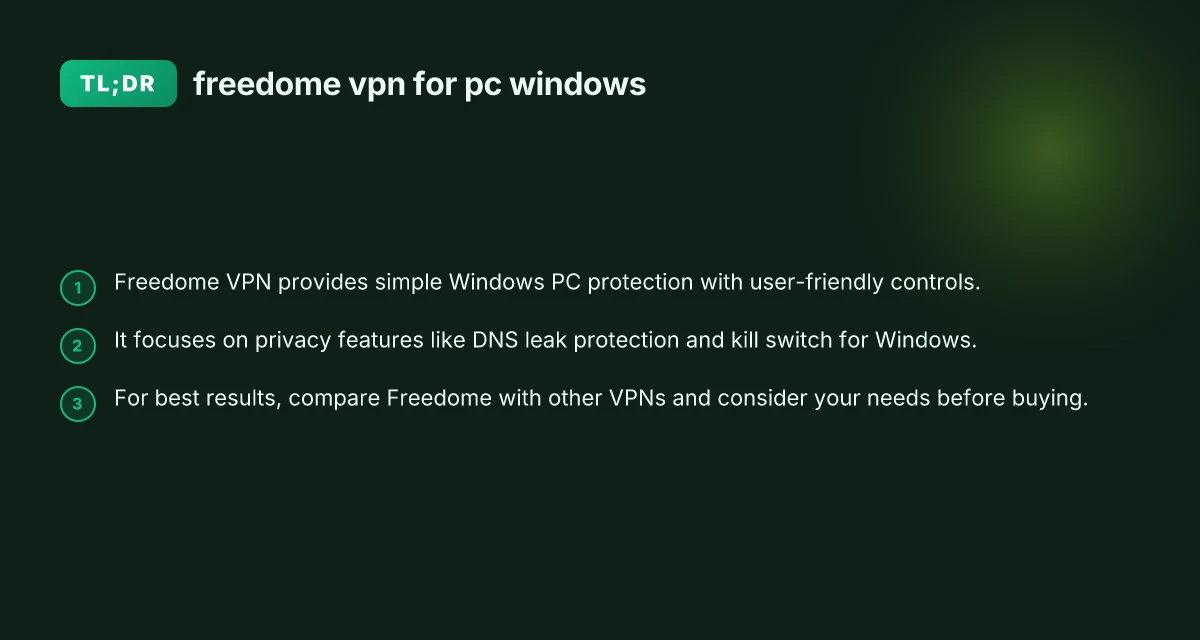
- DNS leak protection: Aims to prevent DNS requests from leaking outside the VPN tunnel.
- Kill switch: Tries to stop traffic if the VPN connection drops, reducing exposure.
- Platform scope: Primarily marketed toward consumer Windows users with a simple setup process.
Important limitations
- Not a full enterprise-grade solution: It’s built for personal use, not corporate deployments.
- Fewer advanced configurations: Compared with higher-end business VPNs, Freedome offers fewer knobs for power users.
- Dependence on the provider’s server network: Privacy depends on how the service handles logging and data retention.
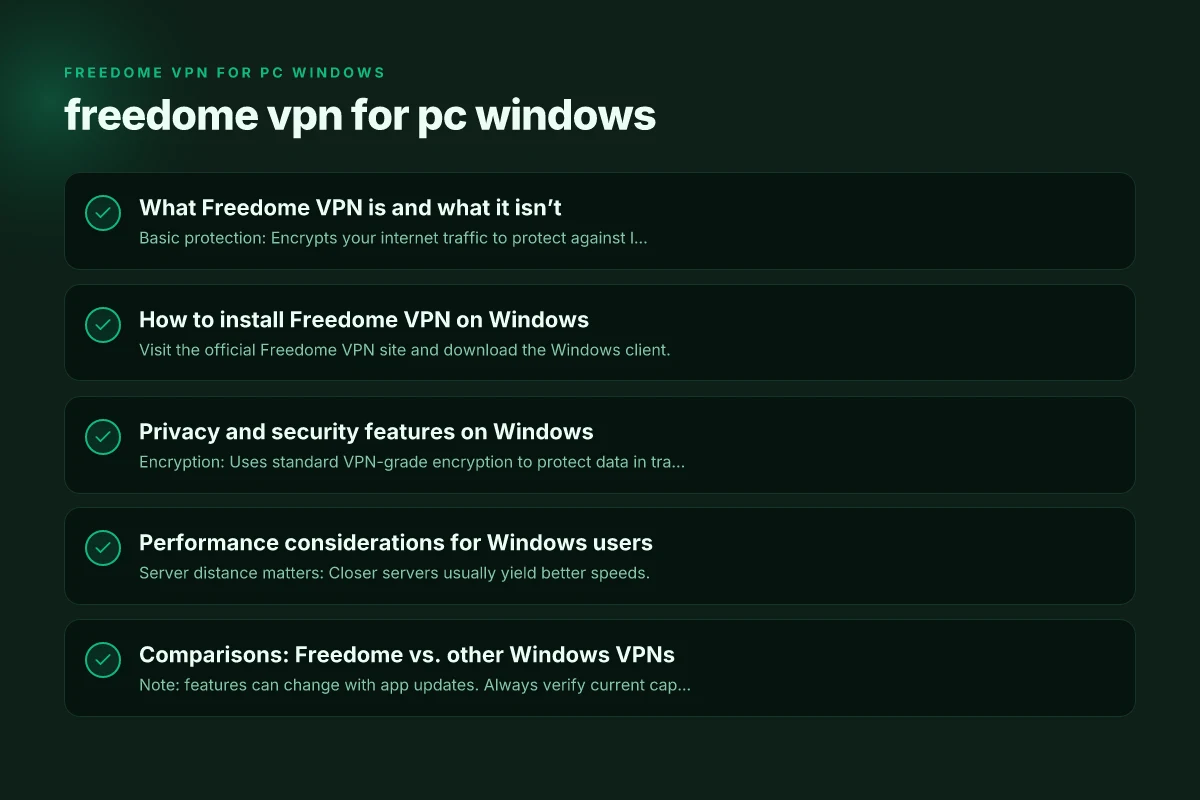
How to install Freedome VPN on Windows
Step-by-step setup
- Visit the official Freedome VPN site and download the Windows client.
- Run the installer and follow on-screen prompts to complete installation.
- Launch the app, sign in with your Freedome account (or create one).
- Toggle the VPN on to establish a secure connection.
Tips for a smooth setup
- Ensure you have a stable internet connection during installation.
- Check that Windows firewall or other security software isn’t blocking Freedome.
- Review in-app settings for options like auto-start or startup behavior.
Privacy and security features on Windows
What to expect from Freedome on PC
- Encryption: Uses standard VPN-grade encryption to protect data in transit.
- DNS management: Attempts to route DNS through the VPN to reduce leak risk.
- Kill switch: Available in many builds to prevent traffic when the tunnel drops.
- Logs and data policies: Privacy depends on Freedome’s stated policies. Always read the current privacy policy for details on data retention and sharing.
How this translates to real-world use
- Public Wi-Fi: Useful for protecting data on hot spots, though a trusted network is always best.
- Streaming and geo-access: May help with region-based access if the service supports server selection.
- Gaming: VPNs can add latency; Freedome’s impact varies by server location and distance.
Performance considerations for Windows users
Speed, latency, and bandwidth
- Server distance matters: Closer servers usually yield better speeds.
- Protocol behavior: Freedome’s default protocol choices influence performance and stability.
- Overhead: VPNs inherently add some latency due to encryption and routing.
How to optimize performance
- Switch to a closer server location within the app if available.
- Use a wired Ethernet connection for more stable performance, especially for gaming or streaming.
- Close bandwidth-heavy apps while testing VPN performance to get a clear sense of baseline impact.
Comparisons: Freedome vs. other Windows VPNs
Quick feature snapshot
| VPN (Windows) | Encryption | Kill Switch | DNS Leak Protection | Server Variety | Pricing (typical) |
|---|---|---|---|---|---|
| Freedome | AES-256 (typical) | Usually yes | Yes or configurable | Moderate | Freemium/Subscription |
| ExpressVPN | AES-256 | Yes | Yes | Extensive | Higher price |
| NordVPN | AES-256 | Yes | Yes | Large network | Competitive pricing |
| Proton VPN | AES-256 | Yes | Yes | Moderate to large | Free tier + paid tiers |
| Surfshark | AES-256 | Yes | Yes | Large | Affordable |
Note: features can change with app updates. Always verify current capabilities in the Windows client or vendor site.
Common issues and troubleshooting
When you might run into problems
- VPN won’t connect: Check your internet, restart the app, or reboot the PC.
- Slow speeds: Try a different server, or switch off other bandwidth-heavy applications.
- DNS leaks: Double-check DNS settings within the app and Windows network adapters.
- Kill switch not engaging: Ensure it’s enabled in settings and test by disconnecting the VPN briefly.
Quick diagnostic steps
- Run a leak test from a trusted site to confirm DNS/IP exposure.
- Temporarily disable firewall or security software to check for false positives.
- Reinstall Freedome if settings become corrupted or the app behaves oddly.
The user experience: onboarding, UI, and ease of use
What makes Freedome friendly to Windows users
- Clean interface: Clear toggles for connecting and disconnecting.
- Quick-join servers: A list of servers to connect to without complex menus.
- Minimal configuration: Most users won’t need deep customization to start protecting their traffic.
When a simple UX helps
- Beginners seeking privacy basics: Freedome’s straightforward approach reduces setup friction.
- On-the-go protection: Windows PCs in shared spaces benefit from quick VPN activation.
Do you really need a VPN on Windows? A quick decision guide
Consider these questions
- What are you protecting? If privacy on public networks matters, a VPN is helpful.
- Do you need streaming access or geo-unblocking? Check whether Freedome has servers in needed regions.
- Is cost a concern? Compare Freedome’s pricing with other options you’re evaluating.
- Are you comfortable with logging policies? Review Freedome’s privacy policy and terms.
Other privacy-first steps
- Use a privacy-focused browser with strong tracking protection.
- Enable Firefox/Chromium in-private modes as appropriate, while recognizing it’s not a VPN protection.
- Keep Windows updated to mitigate security vulnerabilities.
Final recommendations
Freedome VPN for PC Windows is a solid, beginner-friendly choice for users who want easy-to-use privacy protection without diving into complex configuration. It offers essential features like encryption, DNS protection, and a kill switch in an approachable package. If your needs are basic privacy, occasional streaming, and quick setup, Freedome can be a good fit.
However, if you’re a power user who needs advanced customization, a broader server network, or more aggressive privacy assurances (for example, stricter no-logs guarantees), you may want to compare Freedome with ExpressVPN, NordVPN, Proton VPN, or Surfshark. Look for features like split tunneling, diverse server locations, robust no-logs policies, and independent audits if those factors matter to you.
Bottom line: try Freedome on Windows to gauge how it handles your everyday tasks. Assess performance, ease of use, and how well it aligns with your privacy expectations. If it checks all the boxes, it’s a practical, straightforward option for keeping your Windows PC traffic private. If not, explore alternatives with a clear sense of your priorities and budget. Freedom VPN client for PC Windows
| VPN | Obfuscation | From / month | Plan | Free plan | Refund | Alipay | UnionPay | Crypto | Website opens in China | Trustpilot | |
|---|---|---|---|---|---|---|---|---|---|---|---|
 ExpressVPN | ✓ On by default all servers | $3.00/mo | 28 months: $84 | No | 30 days | ✗ | ✗ | ✓ | ✗ | ✗ Blocked | 4.4/5 (29,706 reviews) |
 NordVPN | Turn on manually Obfuscated Servers / NordWhisper | $3.49/mo | 27 months: $94.23 | No | 30 days | ? | ✗ | ✓ | ✓ | ✗ Blocked | 4.2/5 (51,628 reviews) |
 Proton VPN | Turn on manually Stealth, free plan too | $2.99/mo | 12 months: $35.88 | Yes | 30 days | ✗ | ✗ | ✗ | ✓ | ✗ Blocked | 2.1/5 (1,040 reviews) |
 Surfshark | ✓ On by default Camouflage, with OpenVPN | See site | See site | No | 30 days | ✗ | ✗ | ✗ | ✓ | ✗ Blocked | 4.3/5 (31,823 reviews) |
 ZoogVPN | Turn on manually Shadow | $2.49/mo | 27 months: $59.99 | Yes | 7 days | ✓ | ✓ | ✓ | ✓ | Official site blocked; our special link opens (4.4 s) | 4.2/5 (195 reviews) |
 Astrill VPN | Turn on manually StealthVPN / OpenWeb | $12.50/mo | 24 months: $300 | No | See site | ✗ | ✗ | ✗ | ✓ | ✗ Blocked | 1.3/5 (110 reviews) |
 Private Internet Access | Turn on manually Shadowsocks, OpenVPN only | $2.03/mo | 40 months: $81.2 | No | 30 days | ✗ | ✗ | ✗ | ✗ | ✗ Blocked | 4.2/5 (11,033 reviews) |
 CyberGhost | Turn on manually selected servers | $2.19/mo | 28 months: $61.32 | No | 45 days | ✗ | ✗ | ✗ | ✓ | ✗ Blocked | 4.0/5 (24,178 reviews) |
 PureVPN | Turn on manually switch to OpenVPN | $1.69/mo | 60 months: $101.55 | No | 31 days | ? | ? | ✗ | ✓ | ✗ Blocked | 4.4/5 (17,994 reviews) |
 AdGuard VPN | ✓ On by default TrustTunnel | $2.99/mo | 24 months: $71.76 | Yes | 30 days | ✓ | ✗ | ✓ | ✓ | Official site blocked; our special link opens (3.7 s) | 4.3/5 (290 reviews) |
 Mullvad | Turn on manually QUIC / Shadowsocks / LWO | $5.61/mo | €5/mo | No | 14 days | ✗ | ✗ | ✗ | ✓ | ✗ Blocked | 3.2/5 (192 reviews) |
 Windscribe | Turn on manually Stealth / WStunnel | $5.75/mo | 12 months: $69 | Yes | See site | ✗ | ✗ | ✗ | ✓ | ✗ Blocked | 4.7/5 (13,355 reviews) |
 StrongVPN | Turn on manually Scramble, OpenVPN TCP | See site | See site | No | 30 days | ✓ | ✗ | ✗ | ✗ | ✗ Blocked | 4.4/5 (2,695 reviews) |
 LightXtreme 闪连 | Not listed | $7.08/mo | 12 months: $84.99 | Yes | 30 days | ✓ | ✓ | ✓ | ✓ | ✓ Yes (3.5 s) | No page |
Prices checked 2026-11-10 on each vendor's pricing page (cheapest long plan, USD). Check the vendor's checkout for the final price.
Obfuscation checked 2026-11-14 on each vendor's site and help center: "on by default" = nothing to set; "turn on manually" = switch protocol or mode in settings; "not listed" = the vendor describes no obfuscation.
Payment methods checked 2026-11-10 on each vendor's payment pages: all 14 take cards and PayPal; ✗ = not listed, ? = the vendor's own pages disagree.
China access: whether the official website opens from mainland China networks (tests the website only, not the VPN connection). Last checked 2026-11-18 01:02 Beijing time.
Trustpilot score and review count checked 2026-11-10.