Free VPN for PC
A practical guide to using free VPNs on a PC, including benefits, risks, and safe practices.
The following article answers the common questions people have when they search for a free VPN for PC. It covers what a VPN does, what “free” means in practice, the common limitations, safety considerations, and practical guidance for choosing and using a free VPN on Windows or other PC environments.

What a VPN on PC does and when you might want it
A VPN, or virtual private network, creates a secure, encrypted tunnel between your PC and a server operated by the VPN provider. This has several effects:
- It hides your real IP address from websites, apps, and services you visit.
- It encrypts data in transit, which helps protect you on public Wi‑Fi.
- It can help you bypass regional restrictions or censorship in some cases.
- It can improve privacy by reducing telemetry and tracking in certain networks.
Free VPNs aim to deliver these benefits without a monetary cost. However, the tradeoffs are real and can affect your experience, security, and data. If your goal is casual privacy on public Wi‑Fi, a reputable free option can be a helpful starting point. If you need robust protection, streaming access, or consistent speed, a paid VPN is usually a better bet.
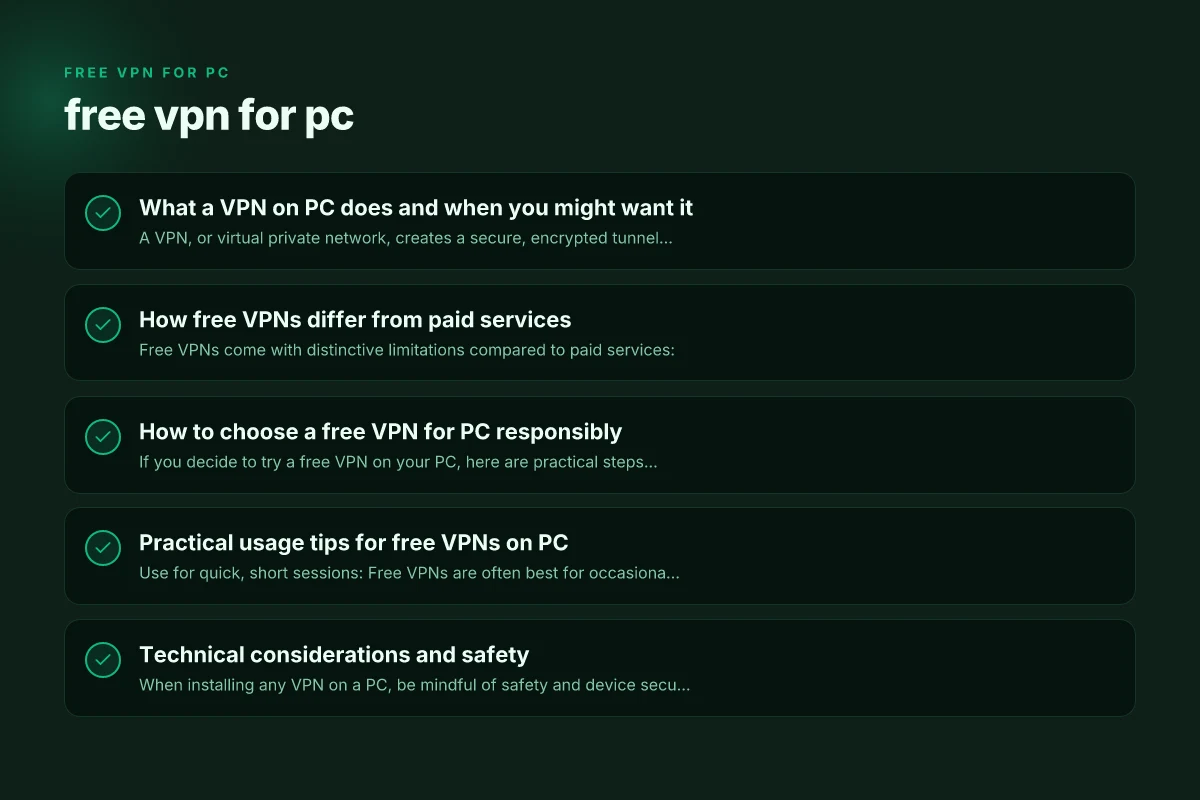
How free VPNs differ from paid services
Free VPNs come with distinctive limitations compared to paid services:
- Bandwidth and data caps: Many free plans limit monthly data to a small amount, such as 500 MB to a few GB.
- Server access: Free tiers often give access to a few servers or locations, not the full network.
- Speed throttling: Free users may experience slower speeds during peak times.
- Ads or upsells: Some free services display ads or push paid upgrades within the app.
- Privacy tradeoffs: Free providers might log more data or rely on different revenue models, including selling anonymized data.
Not all free VPNs compromise privacy, but it’s common for the business model to be different from paid services. Reading the privacy policy and terms of service is essential before you trust any free VPN with sensitive activities. Free touch VPN for PC Windows
How to choose a free VPN for PC responsibly
If you decide to try a free VPN on your PC, here are practical steps to reduce risk and maximize value:
- Research reputation: Look for independent reviews, transparency reports, and clear data handling policies.
- Check data limits: Confirm monthly data caps and what happens if you exceed them.
- Review server options: Note which countries and server locations are available to you for testing.
- Test privacy protections: Ensure the client uses modern encryption (like AES-256) and has a kill switch and DNS leak protection, if possible.
- Monitor performance: Run speed tests and streaming attempts to see if the service meets your needs.
- Understand the business model: Ensure you’re comfortable with any ads, data collection, or upgrade prompts.
- Verify platform compatibility: Confirm the free plan supports Windows, macOS, or Linux as needed, and check for regular updates.
Common red flags include unclear data policies, frequent price prompts, or bundled software that looks unrelated or potentially malicious. If something feels off, it’s wise to move on to a more trusted option.
Practical usage tips for free VPNs on PC
- Use for quick, short sessions: Free VPNs are often best for occasional privacy on public networks rather than heavy daily use.
- Snapshot testing: Before committing to a site or service, connect the VPN and access the site to see if it works without issues.
- Combine with other privacy practices: Keep your OS and apps updated, enable app‑specific privacy settings, and use a firewall where appropriate.
- Avoid high‑risk activities: Don’t rely on a free VPN for sensitive corporate tasks, banking, or handling extremely sensitive data without verifying the security posture.
If you need to access content or websites that are region‑blocked, a free VPN might work for a moment, but many large streaming platforms actively block free IP addresses. If streaming is your goal, consider a trial of a reputable paid VPN to avoid interruptions.
Technical considerations and safety
When installing any VPN on a PC, be mindful of safety and device security: Free super z VPN for PC Windows
- Source of the installer: Download directly from the provider’s official site or a trusted store. Avoid third‑party download sites.
- Permissions and extensions: Some free VPNs request extra permissions or install browser extensions. Limit permissions to what’s necessary and disable anything you don’t recognize.
- Malware risk: Some free VPNs are bundled with unwanted software. Run a malware scan on the installer and verify digital signatures if possible.
- Data leaks: Ensure the VPN offers DNS leak protection and a kill switch to prevent IP leaks if the VPN connection drops.
- Credential hygiene: Use unique passwords and enable two‑factor authentication where available, especially if you’re signing in to a free VPN account.
Here are a few features to look for as you test a PC VPN:
- Kill switch: Cuts internet access if the VPN drops, to reduce exposure.
- DNS leak protection: Prevents your real DNS requests from being exposed.
- Auto‑connect: Connects to a preferred server when you start the PC or the app.
- Split tunneling: Lets you choose which apps go through the VPN and which don’t (not always available on free plans).
Table: Free VPNs vs. Paid VPNs (high‑level comparison)
| Feature | Free VPN | Paid VPN |
|---|---|---|
| Data limits | Often present (MB–GB) | Typically unlimited |
| Server locations | Limited | Wide network, many countries |
| Speed allowance | Throttled during peak times | High, predictable speeds |
| Privacy policy | Varies; some data may be logged | Clear, privacy‑focused; minimal logging |
| Ads and upsells | Common | Rare or none |
| Support and updates | Limited support | Full support and regular updates |
| Advanced features | Often missing | Kill switch, split tunneling, robust threat protection |
When a free VPN is not enough
There are scenarios where free VPNs typically aren’t enough:
- You need consistent, high speeds for work, gaming, or streaming.
- You require strong privacy guarantees and minimal data logging.
- You handle sensitive information or corporate networks and need enterprise‑grade security.
- You want consistent access to specific regions without interruptions.
In these cases, a reputable paid VPN often delivers a better experience and stronger security posture. Some providers offer money‑back guarantees or trial periods, so you can evaluate performance risk‑free. FortiClient VPN for PC Windows: A Complete Guide to Setup, Use, and Alternatives
How to evaluate and test a free VPN on your PC
If you’re curious to test, follow a simple evaluation plan:
- Step 1: Install from the official site or app store. Create an account if required.
- Step 2: Run a basic speed test with and without the VPN to gauge impact.
- Step 3: Try visiting several sites, including a streaming site, to test accessibility.
- Step 4: Check for DNS leaks with a DNS leak test tool.
- Step 5: Review the privacy policy. Note what data is collected and how long it’s retained.
- Step 6: Monitor for unexpected ads or software behavior on startup.
Documentation and release notes from the provider can also reveal how often updates occur and what kind of security fixes are applied.
Final recommendation
For most PC users who are exploring privacy on public networks or who want occasional access to region‑restricted content, a reputable free VPN can be a useful starting point. Prioritize providers with transparent privacy policies, clear data handling practices, and security features like a kill switch and DNS leak protection. Manage expectations around data limits and speed, and avoid using free VPNs for highly sensitive or professional activities.
If you find that the free option doesn’t meet your needs, especially for streaming, consistent speeds, or robust privacy, consider trying a paid VPN with a money‑back guarantee. This approach lets you evaluate performance without a long‑term commitment. Free proxy server VPN for PC Windows
If you’d like, tell me your typical use cases (public Wi‑Fi protection, streaming, bypassing regional restrictions, etc.), and I can suggest a short list of reputable free VPNs to try on your PC, along with quick setup steps and what to watch for in the privacy policy.
| VPN | Obfuscation | From / month | Plan | Free plan | Refund | Alipay | UnionPay | Crypto | Website opens in China | Trustpilot | |
|---|---|---|---|---|---|---|---|---|---|---|---|
 ZoogVPN | Turn on manually Shadow | $2.49/mo | 27 months: $59.99 | Yes | 7 days | ✓ | ✓ | ✓ | ✓ | Official site blocked; our special link opens (4.4 s) | 4.2/5 (195 reviews) |
 NordVPN | Turn on manually Obfuscated Servers / NordWhisper | $3.49/mo | 27 months: $94.23 | No | 30 days | ? | ✗ | ✓ | ✓ | ✗ Blocked | 4.2/5 (51,628 reviews) |
 ExpressVPN | ✓ On by default all servers | $3.00/mo | 28 months: $84 | No | 30 days | ✗ | ✗ | ✓ | ✗ | ✗ Blocked | 4.4/5 (29,706 reviews) |
 Surfshark | ✓ On by default Camouflage, with OpenVPN | See site | See site | No | 30 days | ✗ | ✗ | ✗ | ✓ | ✗ Blocked | 4.3/5 (31,823 reviews) |
 Proton VPN | Turn on manually Stealth, free plan too | $2.99/mo | 12 months: $35.88 | Yes | 30 days | ✗ | ✗ | ✗ | ✓ | ✗ Blocked | 2.1/5 (1,040 reviews) |
 Astrill VPN | Turn on manually StealthVPN / OpenWeb | $12.50/mo | 24 months: $300 | No | See site | ✗ | ✗ | ✗ | ✓ | ✗ Blocked | 1.3/5 (110 reviews) |
 Private Internet Access | Turn on manually Shadowsocks, OpenVPN only | $2.03/mo | 40 months: $81.2 | No | 30 days | ✗ | ✗ | ✗ | ✗ | ✗ Blocked | 4.2/5 (11,033 reviews) |
 CyberGhost | Turn on manually selected servers | $2.19/mo | 28 months: $61.32 | No | 45 days | ✗ | ✗ | ✗ | ✓ | ✗ Blocked | 4.0/5 (24,178 reviews) |
 PureVPN | Turn on manually switch to OpenVPN | $1.69/mo | 60 months: $101.55 | No | 31 days | ? | ? | ✗ | ✓ | ✗ Blocked | 4.4/5 (17,994 reviews) |
 AdGuard VPN | ✓ On by default TrustTunnel | $2.99/mo | 24 months: $71.76 | Yes | 30 days | ✓ | ✗ | ✓ | ✓ | Official site blocked; our special link opens (3.7 s) | 4.3/5 (290 reviews) |
 Mullvad | Turn on manually QUIC / Shadowsocks / LWO | $5.61/mo | €5/mo | No | 14 days | ✗ | ✗ | ✗ | ✓ | ✗ Blocked | 3.2/5 (192 reviews) |
 Windscribe | Turn on manually Stealth / WStunnel | $5.75/mo | 12 months: $69 | Yes | See site | ✗ | ✗ | ✗ | ✓ | ✗ Blocked | 4.7/5 (13,355 reviews) |
 StrongVPN | Turn on manually Scramble, OpenVPN TCP | See site | See site | No | 30 days | ✓ | ✗ | ✗ | ✗ | ✗ Blocked | 4.4/5 (2,695 reviews) |
 LightXtreme 闪连 | Not listed | $7.08/mo | 12 months: $84.99 | Yes | 30 days | ✓ | ✓ | ✓ | ✓ | ✓ Yes (3.5 s) | No page |
Prices checked 2026-11-10 on each vendor's pricing page (cheapest long plan, USD). Check the vendor's checkout for the final price.
Obfuscation checked 2026-11-14 on each vendor's site and help center: "on by default" = nothing to set; "turn on manually" = switch protocol or mode in settings; "not listed" = the vendor describes no obfuscation.
Payment methods checked 2026-11-10 on each vendor's payment pages: all 14 take cards and PayPal; ✗ = not listed, ? = the vendor's own pages disagree.
China access: whether the official website opens from mainland China networks (tests the website only, not the VPN connection). Last checked 2026-11-18 01:02 Beijing time.
Trustpilot score and review count checked 2026-11-10.