Express VPN: What It Is, How It Works, and If It Still Shines

A practical guide to ExpressVPN, covering features, pricing, performance, privacy, and how to decide if it’s right for you.
Express VPN: What it is and how it fits into everyday online privacy and accessibility
ExpressVPN is one of the most recognizable names in the crowded world of virtual private networks. It positions itself as a user-friendly, privacy-forward service with a wide network, strong security features, and reliable performance for streaming and browsing. If you’re shopping for a VPN or just curious about how it stacks up, this guide covers what ExpressVPN does, how it works, what it costs, and what you can expect in real-world usage.
What makes a VPN valuable? A quick refresher
- Encrypts your internet traffic, creating a private channel between your device and the VPN server.
- Masks your IP address, helping conceal your location from websites and services.
- Helps you bypass some regional restrictions while maintaining a higher level of privacy.
- Has potential tradeoffs: sometimes a slight hit to speed, and the quality depends on server load and distance.

How ExpressVPN works
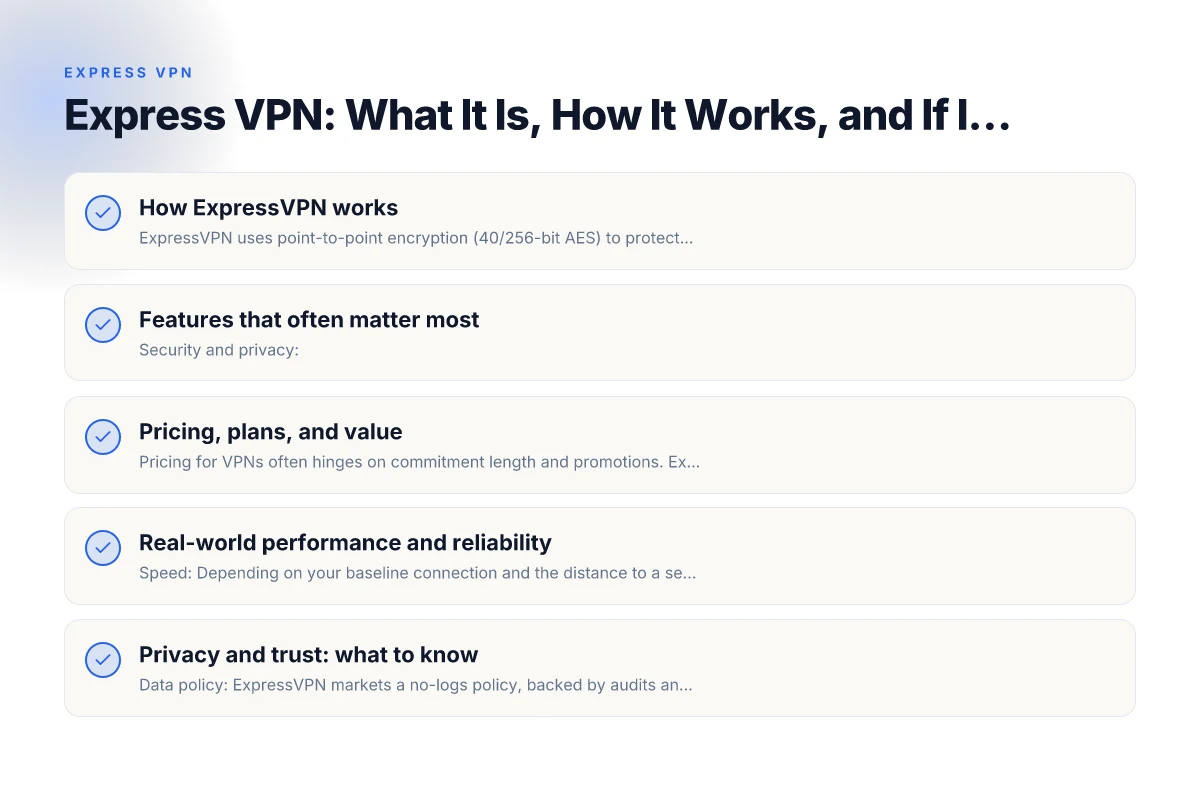
ExpressVPN uses point-to-point encryption (40/256-bit AES) to protect data in transit between your device and its servers. It operates a robust network of servers in many countries, allowing you to:
- Choose a server in a specific location for access to regional content or a particular latency profile.
- Benefit from split tunneling on supported platforms, so you can route some apps through the VPN and others directly to the internet.
- Use kill switch features that cut internet access if the VPN connection drops, preventing accidental data leakage.
The service emphasizes easy setup with apps for Windows, macOS, iOS, Android, Linux, routers, and browser extensions. The goal is to make secure browsing accessible even for non-technical users.
Features that often matter most
- Security and privacy:
- 256-bit AES encryption
- TrustedServer technology that runs on RAM and wipes data after each reboot
- No-logs policy, subject to independent audits and legal disclosures
- Automatic kill switch and malware protection through some builds
- Performance:
- Wide server network supports relatively fast speeds for many users
- Optimized apps with streaming-friendly servers
- P2P support on appropriate servers
- Accessibility:
- Works with major streaming platforms in many regions
- Works on multiple devices simultaneously
- Easy setup guides and 24/7 support chat
Pricing, plans, and value
Pricing for VPNs often hinges on commitment length and promotions. ExpressVPN’s pricing tends to sit at the premium end, but there are reasons buyers consider it worth the cost:
- Cross-platform support means one license covers multiple devices.
- No-logs policy and independent audits add to trust and transparency.
- Consistent performance across regions, with reliable unblocking for streaming services.
Here is a quick comparison snapshot to place ExpressVPN among peers: Emtipidvpn for PC Windows: what it is, how it works, and safety tips
| Feature | ExpressVPN | Common Competitors (General) |
|---|---|---|
| Server count (approx.) | 3000+ in 90+ countries | 1000–3500 in 60–90 countries (varies by provider) |
| Simultaneous connections | 5 devices | 5–7 devices |
| Kill switch | Yes | Yes (often) |
| Split tunneling | Yes (where available) | Varies by platform |
| No-logs claim | Yes, with audits | Varies by provider |
| Streaming unblocking | Strong, often reliable | Varies by country and platform |
| Price (monthly, discounted annual) | Higher, depends on promotions | 2–3 price tiers, often lower |
Note: specific server counts and features can change as providers update plans. Always check the current offering directly on ExpressVPN’s site.
Real-world performance and reliability
- Speed: Depending on your baseline connection and the distance to a server, you may notice some slowdown. ExpressVPN tends to perform well on many networks, but heavy encryption and long-distance routes can impact speeds.
- Streaming: It’s commonly reliable for popular services like Netflix, Hulu, and Amazon Prime Video, though streaming availability can fluctuate by region and service policy.
- Gaming and P2P: Generally decent for casual gaming and P2P file sharing where allowed. If you’re a power user, test a few servers to find one that minimizes latency.
- Compatibility: The apps are straightforward, with a consistent experience across Windows, macOS, iOS, and Android. Router support is a plus for device-wide protection.
Privacy and trust: what to know
- Data policy: ExpressVPN markets a no-logs policy, backed by audits and external verification. It’s worth reading the latest audit reports because policies and practices can evolve.
- Jurisdiction: Located in the British Virgin Islands, which has privacy-friendly laws and does not require data retention, but legal requirements can still compel disclosure under certain circumstances.
- Transparency: Independent audits and regular updates contribute to transparency, but no provider is perfect. If privacy is your primary concern, stay updated on audit results and any policy changes.
How to decide if ExpressVPN is right for you
- You want strong unblocking for streaming services and consistent performance across a broad server network.
- You value a large set of supported devices and easy-to-use apps.
- You’re comfortable with a premium price in exchange for reliability, privacy safeguards, and customer support.
On the other hand, if you’re seeking the absolute cheapest option, or you’re a technically oriented user who likes to tweak every parameter, there might be more budget-friendly or configurable alternatives that fit your preferences better. Always balance price, features, and your personal privacy and streaming goals.
Quick setup guide and best practices
- Create an account and download the ExpressVPN app for your device.
- Sign in and run the speed test within the app to pick a fast server near you.
- If you’re streaming, start with servers labeled for your preferred service and check if the platform requires a refresh or re-authentication.
- Enable the kill switch in the settings to protect against DNS or IP leaks if the VPN connection drops.
- Consider enabling split tunneling if you only want the VPN to cover specific apps or websites.
- Keep the app updated to enjoy the latest security patches and features.
Common questions you might have
- Does ExpressVPN log my activity? ExpressVPN claims a no-logs policy, with independent audits. For sensitive use, review the audit reports and current policy.
- Can ExpressVPN unblock Netflix? Yes, in many cases, but streaming access can vary by region and service policy. If a particular show is blocked, switch to a different server or region.
- How many devices can I connect at once? Typically up to five devices, but confirm the current policy in your plan details.
- Is it safe to use on public Wi-Fi? Yes, using a VPN adds a layer of protection on public networks, but you should still practice good security hygiene (updated software, strong passwords, and cautious browsing).
Final recommendation If you want a well-rounded VPN with a strong emphasis on privacy, reliability, and ease of use, ExpressVPN is a dependable choice for most consumers. It’s especially appealing if you value streaming unblocks, cross-device convenience, and transparent privacy practices backed by audits. However, if budget is your primary constraint, you may want to compare plans or consider alternatives that offer aggressive pricing or more configurable options.
Conclusion ExpressVPN remains a leading option for users seeking straightforward protection, broad compatibility, and dependable performance. By weighing your priorities, privacy assurances, streaming needs, device coverage, and cost, you can decide whether ExpressVPN aligns with your online goals. If you decide to try it, take advantage of any promotional offers, ensure you configure kill switch and split tunneling, and monitor performance to determine if it fulfills your expectations over time. Electro VPN for PC Windows
| VPN | Obfuscation | From / month | Plan | Free plan | Refund | Alipay | UnionPay | Crypto | Website opens in China | Trustpilot | |
|---|---|---|---|---|---|---|---|---|---|---|---|
 ExpressVPN | ✓ On by default all servers | $3.00/mo | 28 months: $84 | No | 30 days | ✗ | ✗ | ✓ | ✗ | ✗ Blocked | 4.4/5 (29,706 reviews) |
 ZoogVPN | Turn on manually Shadow | $2.49/mo | 27 months: $59.99 | Yes | 7 days | ✓ | ✓ | ✓ | ✓ | Official site blocked; our special link opens (4.4 s) | 4.2/5 (195 reviews) |
 NordVPN | Turn on manually Obfuscated Servers / NordWhisper | $3.49/mo | 27 months: $94.23 | No | 30 days | ? | ✗ | ✓ | ✓ | ✗ Blocked | 4.2/5 (51,628 reviews) |
 Surfshark | ✓ On by default Camouflage, with OpenVPN | See site | See site | No | 30 days | ✗ | ✗ | ✗ | ✓ | ✗ Blocked | 4.3/5 (31,823 reviews) |
 Proton VPN | Turn on manually Stealth, free plan too | $2.99/mo | 12 months: $35.88 | Yes | 30 days | ✗ | ✗ | ✗ | ✓ | ✗ Blocked | 2.1/5 (1,040 reviews) |
 Astrill VPN | Turn on manually StealthVPN / OpenWeb | $12.50/mo | 24 months: $300 | No | See site | ✗ | ✗ | ✗ | ✓ | ✗ Blocked | 1.3/5 (110 reviews) |
 Private Internet Access | Turn on manually Shadowsocks, OpenVPN only | $2.03/mo | 40 months: $81.2 | No | 30 days | ✗ | ✗ | ✗ | ✗ | ✗ Blocked | 4.2/5 (11,033 reviews) |
 CyberGhost | Turn on manually selected servers | $2.19/mo | 28 months: $61.32 | No | 45 days | ✗ | ✗ | ✗ | ✓ | ✗ Blocked | 4.0/5 (24,178 reviews) |
 PureVPN | Turn on manually switch to OpenVPN | $1.69/mo | 60 months: $101.55 | No | 31 days | ? | ? | ✗ | ✓ | ✗ Blocked | 4.4/5 (17,994 reviews) |
 AdGuard VPN | ✓ On by default TrustTunnel | $2.99/mo | 24 months: $71.76 | Yes | 30 days | ✓ | ✗ | ✓ | ✓ | Official site blocked; our special link opens (3.7 s) | 4.3/5 (290 reviews) |
 Mullvad | Turn on manually QUIC / Shadowsocks / LWO | $5.61/mo | €5/mo | No | 14 days | ✗ | ✗ | ✗ | ✓ | ✗ Blocked | 3.2/5 (192 reviews) |
 Windscribe | Turn on manually Stealth / WStunnel | $5.75/mo | 12 months: $69 | Yes | See site | ✗ | ✗ | ✗ | ✓ | ✗ Blocked | 4.7/5 (13,355 reviews) |
 StrongVPN | Turn on manually Scramble, OpenVPN TCP | See site | See site | No | 30 days | ✓ | ✗ | ✗ | ✗ | ✗ Blocked | 4.4/5 (2,695 reviews) |
 LightXtreme 闪连 | Not listed | $7.08/mo | 12 months: $84.99 | Yes | 30 days | ✓ | ✓ | ✓ | ✓ | ✓ Yes (3.5 s) | No page |
Prices checked 2026-11-10 on each vendor's pricing page (cheapest long plan, USD). Check the vendor's checkout for the final price.
Obfuscation checked 2026-11-14 on each vendor's site and help center: "on by default" = nothing to set; "turn on manually" = switch protocol or mode in settings; "not listed" = the vendor describes no obfuscation.
Payment methods checked 2026-11-10 on each vendor's payment pages: all 14 take cards and PayPal; ✗ = not listed, ? = the vendor's own pages disagree.
China access: whether the official website opens from mainland China networks (tests the website only, not the VPN connection). Last checked 2026-11-18 01:02 Beijing time.
Trustpilot score and review count checked 2026-11-10.