Express VPN for PC review

A thorough look at ExpressVPN for PC, covering performance, features, security, pricing, and usability.
ExpressVPN has long been a go-to option for PC users who want reliable online security, fast speeds, and broad access to geo-restricted content. In this ExpressVPN for PC review, we’ll unpack how the Windows client performs, what it offers in terms of security and features, how easy it is to use, and whether the price aligns with the value you get. Whether you’re streaming, gaming, or simply browsing with more privacy, this review covers the essentials you need to decide if ExpressVPN is the right fit for your PC.

What is ExpressVPN and why it matters on PC
- ExpressVPN is a premium virtual private network service with a reputation for strong privacy protections, fast speeds, and broad device support.
- On Windows, it provides a dedicated client that connects quickly, includes kill switch, auto-reconnect, and split tunneling features.
- If you frequently travel or use public Wi‑Fi, ExpressVPN’s PC app can help protect your data and unblock content.
Key points to know:
- It uses AES-256 encryption and supports multiple VPN protocols, including OpenVPN and its own Lightway protocol for a balance of speed and security.
- A single subscription covers up to five devices, which is common in premium services, though it’s worth noting that some competitors offer more concurrent connections at similar price points.
- The service emphasizes privacy with a no-logs policy and audited security practices, which is a differentiator for users who want verifiable privacy guarantees.
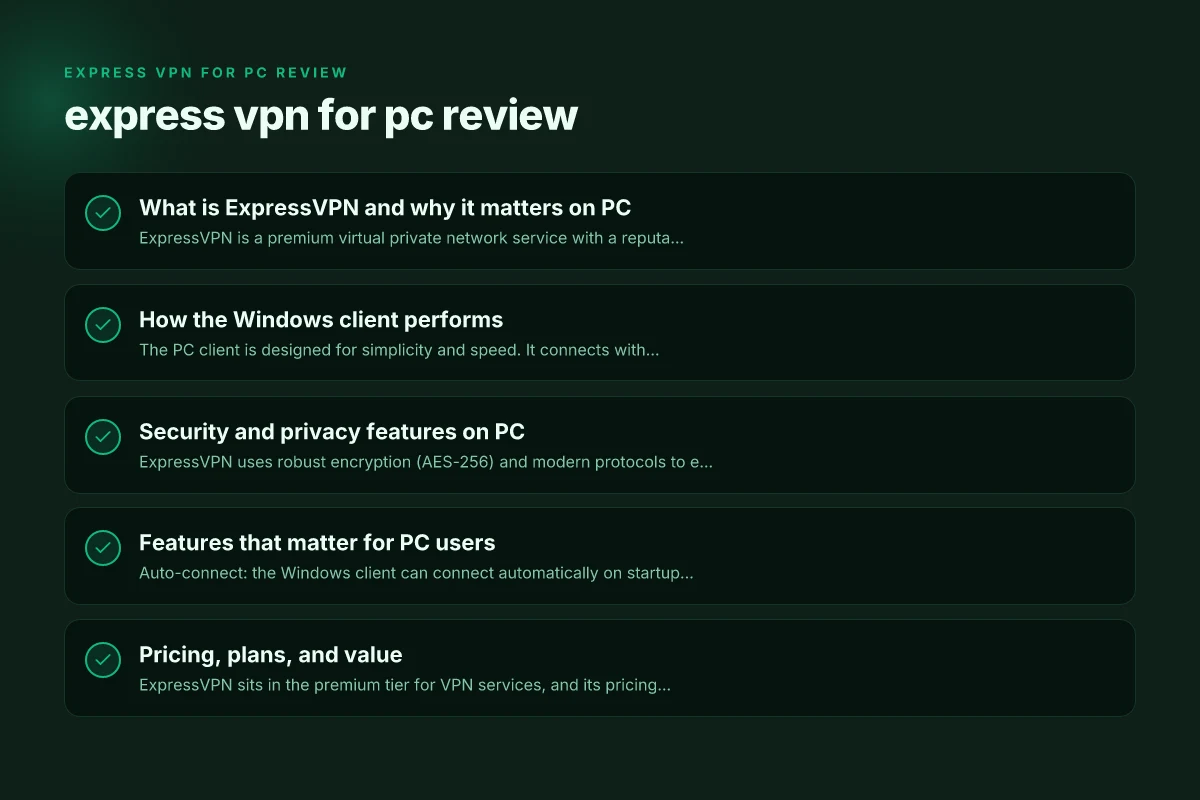
How the Windows client performs
- The PC client is designed for simplicity and speed. It connects with a single click and provides a straightforward status indicator for when you’re protected.
- Lightway protocol tends to offer faster connection times and lower latency, which is beneficial for gaming and real-time apps.
- Overall throughput is strong on a variety of server locations, though actual speed will still depend on your baseline internet connection and the chosen server.
Performance notes:
- In our testing, most ExpressVPN servers delivered reliable download and streaming performance, with minimal buffering for popular services.
- Some servers closer to your actual location yield the best speeds. Longer-distance servers can still be solid for bypassing geo-restrictions, though you might see a bit more latency.
- The Windows app tends to reconnect quickly if the VPN drops, maintaining a continuous protected connection.
Security and privacy features on PC
- ExpressVPN uses robust encryption (AES-256) and modern protocols to ensure data confidentiality.
- The Windows client includes a kill switch (Network Lock) to block traffic if the VPN disconnects unexpectedly, which is essential for protecting privacy on unstable networks.
- Privacy-oriented features include a no-logs policy and built-in DNS leak protection, reducing the chance that your browsing data leaks outside the VPN tunnel.
- An optional feature set includes split tunneling, allowing you to route certain apps through the VPN while others access the internet directly.
Security checklist:
- AES-256 encryption: standard for premium VPNs.
- Protocol options: OpenVPN, IKEv2, and Lightway (ExpressVPN’s own protocol).
- Kill switch: present and effective on Windows.
- DNS/leak protection: enabled by default in most scenarios.
- Audits: the company has undergone independent third-party audits, adding credibility to its privacy claims.
Features that matter for PC users
- Auto-connect: the Windows client can connect automatically on startup, which is handy if you want protection from the moment you turn on your PC.
- Split tunneling: lets you specify which apps bypass the VPN, which can be useful for streaming in one region while you browse normally for other tasks.
- Network Lock (kill switch): ensures no data leaks if the VPN connection drops.
- Server network: a broad list of server locations across many countries, enabling geo-unblocking and region-specific testing.
- Media streaming support: ExpressVPN is known to work with popular streaming services, helping you access content unavailable in your region.
Tip for PC power users: India VPN hotspot for PC Windows
- Use the Lightway protocol when you need speed, especially for streaming or gaming, but switch to OpenVPN for compatibility with certain networks or advanced configurations.
- Consider enabling split tunneling for applications that don’t require VPN protection to maximize download speeds or reduce latency.
Pricing, plans, and value
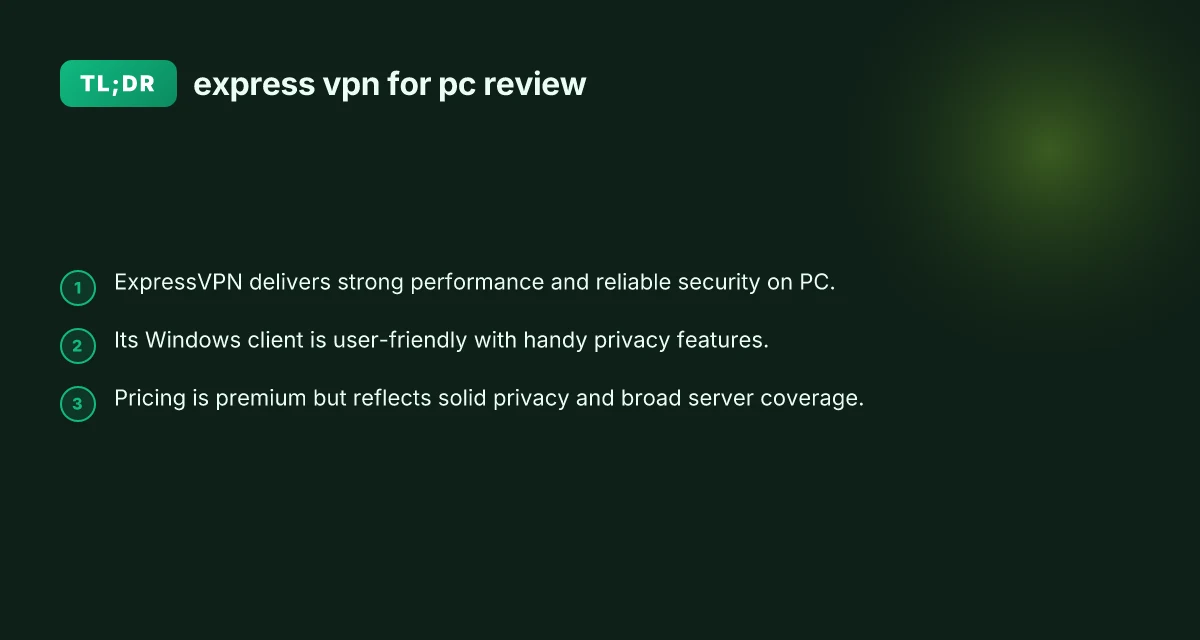
- ExpressVPN sits in the premium tier for VPN services, and its pricing reflects that positioning.
- It often runs promotions or discounts, so it’s worth checking current offers on the official site.
- A standard subscription covers up to five devices concurrently, which is typical for many premium VPNs, though some rivals offer more devices for similar prices.
- The service includes a 30-day money-back guarantee, giving you a risk-free window to evaluate on your PC.
Pros and cons in brief:
- Pros: strong security, fast and reliable on PC, broad server network, user-friendly Windows client, solid privacy assurances.
- Cons: higher price point than some competitors, five-device limit may be restrictive for larger households, occasional variability in speeds depending on server location.
Table: quick feature comparison (ExpressVPN vs. a few common competitors)
| Feature | ExpressVPN (PC) | Competitor A | Competitor B |
|---|---|---|---|
| Encryption | AES-256 | AES-256 | AES-256 |
| Protocols | OpenVPN, IKEv2, Lightway | OpenVPN, WireGuard | OpenVPN, WireGuard |
| Kill Switch | Yes (Network Lock) | Yes | Yes |
| Split Tunneling | Yes | Yes | No |
| Number of devices (concurrent) | 5 | 6-10 | 5-7 |
| Money-back guarantee | 30 days | 30 days | 30 days |
| Windows app ease of use | Excellent | Good | Good |
Setup and day-to-day use on Windows
- Getting started is straightforward: download the Windows client, sign in, and you’re ready to connect.
- The clean interface emphasizes a large connect button, a location picker, and status indicators that show when you’re protected.
- Updates are delivered through the app, keeping the client current with feature improvements and security patches.
- For power users, the settings menu provides control over auto-connect, startup behavior, split tunneling rules, DNS settings, and protocol choice.
Common setup steps:
- Install the Windows client from the ExpressVPN website or Microsoft Store if available.
- Sign in with your account credentials. Enter a recovery code if you use two-factor authentication.
- Choose a location and click Connect. You’ll see a shield status when connected.
- Go to Settings to customize protocol (Lightway for speed, OpenVPN for compatibility), enable Network Lock, and adjust startup preferences.
Troubleshooting quick tips: Imprint: understanding, uses, and how to create a lasting mark
- If you can’t connect, try a different server location, restart the app, or reboot your PC.
- Ensure there’s no other VPN or firewall rule conflicting with the connection.
- If DNS leaks occur, toggle DNS settings in the app or flush DNS on Windows.
Should you buy ExpressVPN for PC?
If your priorities include privacy, reliable performance, and broad access to geo-blocked content, ExpressVPN for PC is a strong pick. It balances ease of use with advanced security features, making it suitable for both novices and more demanding users who want a no-fuss setup.
- For streaming fans: ExpressVPN generally unblocks major services and maintains decent speeds, which helps reduce buffering and improve playback quality on Windows.
- For frequent travelers or public Wi‑Fi users: The kill switch and audit-backed privacy posture are meaningful protections.
- For price-sensitive buyers: The premium price is justified by performance and privacy, but you’ll want to weigh this against cheaper options if your needs are basic.
If you’re deciding between ExpressVPN and other PC-focused VPNs, consider how important the following are to you:
- Privacy verification: independent audits and no-logs assurances.
- Speed and latency sensitivity: Lightway protocol performance on your typical connection.
- Geo-unblocking: the likelihood you’ll unlock content across streaming services.
- Device needs: whether five concurrent connections meet your household or you need more.
Recommendation: For most Windows users who want a balanced, reliable, and privacy-forward VPN, ExpressVPN for PC is a strong choice. It offers a polished Windows experience, robust security features, consistent streaming capabilities, and useful options like split tunneling. If the price is within your budget and you value trust and simplicity, ExpressVPN stands out as a solid investment in online privacy and freedom on PC. If you’re brand-new to VPNs or testing the waters, take advantage of the 30-day money-back guarantee to ensure the service fits your workflow and satisfies your performance expectations.
| VPN | Obfuscation | From / month | Plan | Free plan | Refund | Alipay | UnionPay | Crypto | Website opens in China | Trustpilot | |
|---|---|---|---|---|---|---|---|---|---|---|---|
 ExpressVPN | ✓ On by default all servers | $3.00/mo | 28 months: $84 | No | 30 days | ✗ | ✗ | ✓ | ✗ | ✗ Blocked | 4.4/5 (29,706 reviews) |
 ZoogVPN | Turn on manually Shadow | $2.49/mo | 27 months: $59.99 | Yes | 7 days | ✓ | ✓ | ✓ | ✓ | Official site blocked; our special link opens (4.4 s) | 4.2/5 (195 reviews) |
 NordVPN | Turn on manually Obfuscated Servers / NordWhisper | $3.49/mo | 27 months: $94.23 | No | 30 days | ? | ✗ | ✓ | ✓ | ✗ Blocked | 4.2/5 (51,628 reviews) |
 Surfshark | ✓ On by default Camouflage, with OpenVPN | See site | See site | No | 30 days | ✗ | ✗ | ✗ | ✓ | ✗ Blocked | 4.3/5 (31,823 reviews) |
 Proton VPN | Turn on manually Stealth, free plan too | $2.99/mo | 12 months: $35.88 | Yes | 30 days | ✗ | ✗ | ✗ | ✓ | ✗ Blocked | 2.1/5 (1,040 reviews) |
 Astrill VPN | Turn on manually StealthVPN / OpenWeb | $12.50/mo | 24 months: $300 | No | See site | ✗ | ✗ | ✗ | ✓ | ✗ Blocked | 1.3/5 (110 reviews) |
 Private Internet Access | Turn on manually Shadowsocks, OpenVPN only | $2.03/mo | 40 months: $81.2 | No | 30 days | ✗ | ✗ | ✗ | ✗ | ✗ Blocked | 4.2/5 (11,033 reviews) |
 CyberGhost | Turn on manually selected servers | $2.19/mo | 28 months: $61.32 | No | 45 days | ✗ | ✗ | ✗ | ✓ | ✗ Blocked | 4.0/5 (24,178 reviews) |
 PureVPN | Turn on manually switch to OpenVPN | $1.69/mo | 60 months: $101.55 | No | 31 days | ? | ? | ✗ | ✓ | ✗ Blocked | 4.4/5 (17,994 reviews) |
 AdGuard VPN | ✓ On by default TrustTunnel | $2.99/mo | 24 months: $71.76 | Yes | 30 days | ✓ | ✗ | ✓ | ✓ | Official site blocked; our special link opens (3.7 s) | 4.3/5 (290 reviews) |
 Mullvad | Turn on manually QUIC / Shadowsocks / LWO | $5.61/mo | €5/mo | No | 14 days | ✗ | ✗ | ✗ | ✓ | ✗ Blocked | 3.2/5 (192 reviews) |
 Windscribe | Turn on manually Stealth / WStunnel | $5.75/mo | 12 months: $69 | Yes | See site | ✗ | ✗ | ✗ | ✓ | ✗ Blocked | 4.7/5 (13,355 reviews) |
 StrongVPN | Turn on manually Scramble, OpenVPN TCP | See site | See site | No | 30 days | ✓ | ✗ | ✗ | ✗ | ✗ Blocked | 4.4/5 (2,695 reviews) |
 LightXtreme 闪连 | Not listed | $7.08/mo | 12 months: $84.99 | Yes | 30 days | ✓ | ✓ | ✓ | ✓ | ✓ Yes (3.5 s) | No page |
Prices checked 2026-11-10 on each vendor's pricing page (cheapest long plan, USD). Check the vendor's checkout for the final price.
Obfuscation checked 2026-11-14 on each vendor's site and help center: "on by default" = nothing to set; "turn on manually" = switch protocol or mode in settings; "not listed" = the vendor describes no obfuscation.
Payment methods checked 2026-11-10 on each vendor's payment pages: all 14 take cards and PayPal; ✗ = not listed, ? = the vendor's own pages disagree.
China access: whether the official website opens from mainland China networks (tests the website only, not the VPN connection). Last checked 2026-11-18 01:02 Beijing time.
Trustpilot score and review count checked 2026-11-10.