Cyber threats that a VPN can handle
An in-depth look at which cyber threats a VPN can mitigate and where gaps remain.
Cyber threats come in many forms, from simple eavesdropping on a coffee shop Wi‑Fi to targeted phishing campaigns. A VPN can be a strong line of defense for several of these threats, especially those tied to network-layer exposure and privacy. But it’s important to understand what a VPN can and cannot do, so you can assemble a layered security approach that fits your needs.

What a VPN does to protect you
How a VPN reduces risk in practice
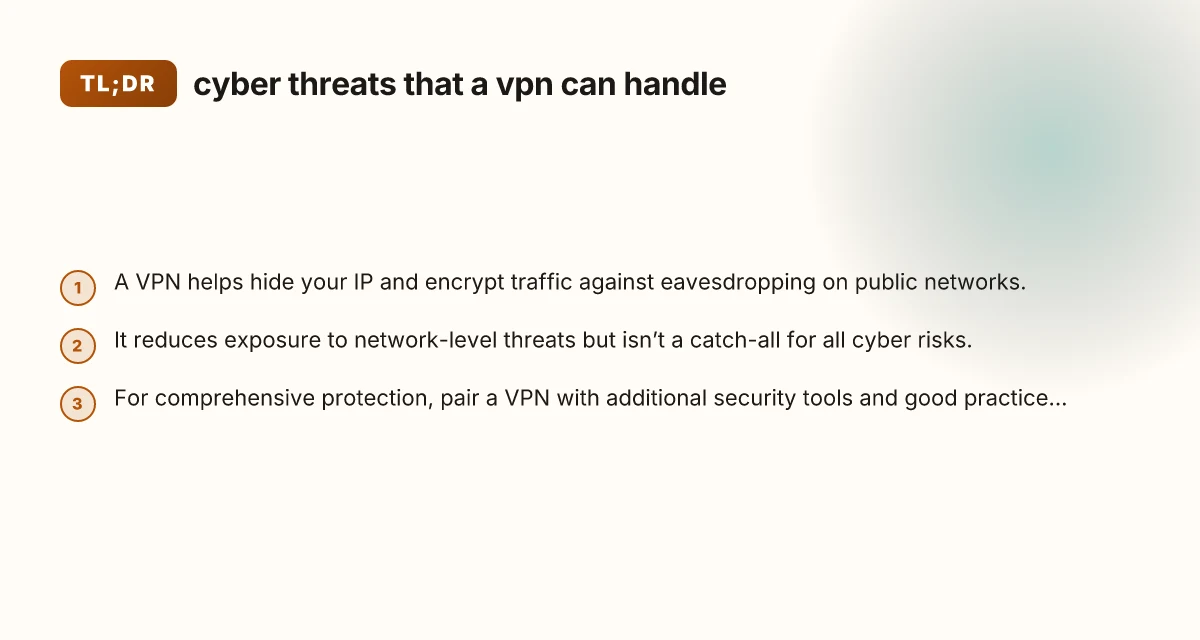
- Encrypts traffic between your device and the VPN server, making passive interception far harder on untrusted networks.
- Masks your real IP address, helping prevent some forms of tracking and location-based profiling.
- Creates a consistent, controlled network path, which can thwart some man-in-the-middle (MITM) style attempts on public networks.
When a VPN is most effective
- Using public Wi‑Fi or shared networks where data is easily intercepted.
- Accessing services that are region-locked or censored, while keeping your local network private.
- Reducing passive surveillance by ISPs or network operators in countries with heavy monitoring.
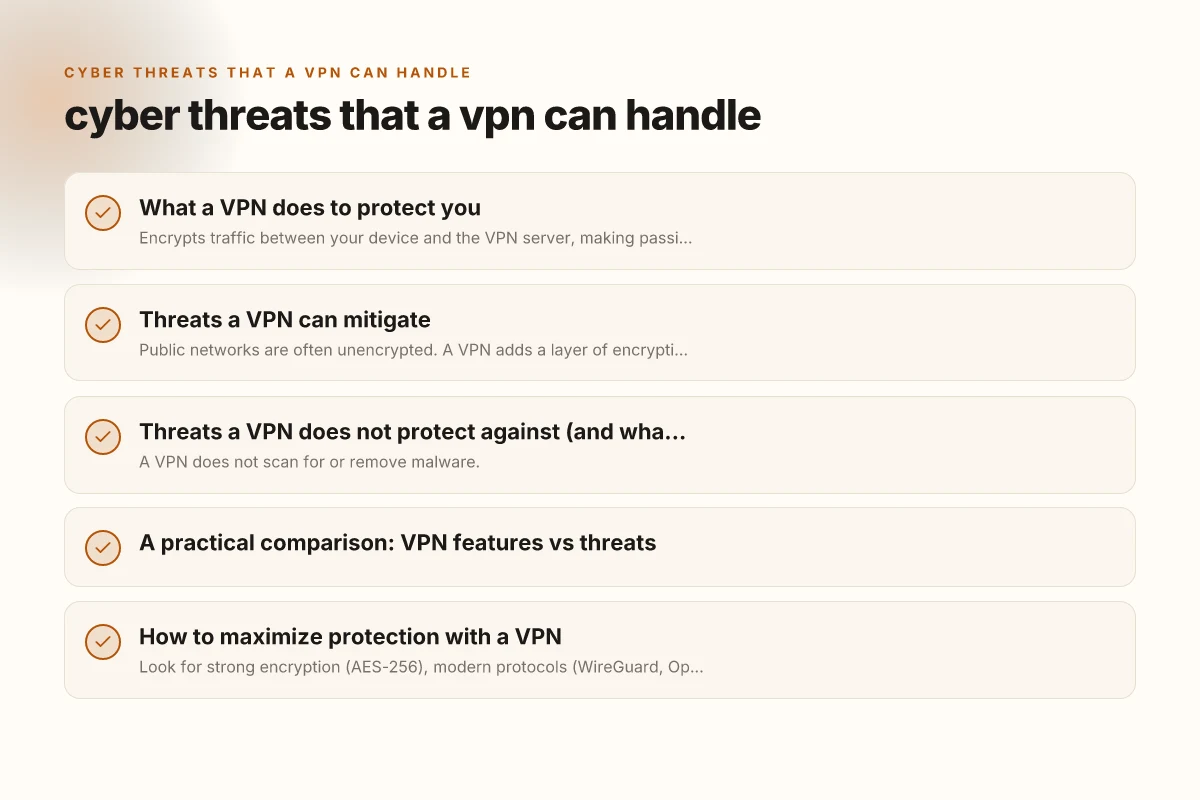
Threats a VPN can mitigate
Eavesdropping and data theft on public networks
Public networks are often unencrypted. A VPN adds a layer of encryption that can stop attackers from reading your browsing, login credentials, or financial details.
IP address exposure and tracking
With a VPN, your outbound traffic appears to come from the VPN server rather than your device. This reduces direct correlation between your activities and your real identity.
Basic network-level manipulation on untrusted networks
A VPN helps prevent simple injection attempts and hostile redirects on networks you don’t control by encrypting data in transit.
Some forms of DNS leakage and privacy leakage
Many VPNs offer DNS leak protection to ensure your DNS requests don’t reveal your real IP or location. This is important because DNS requests are often less protected than traffic payloads. Current VPN for PC Windows
Threats a VPN does not protect against (and what to add)
Endpoint security and malware
- A VPN does not scan for or remove malware.
- It won’t prevent you from visiting malicious sites if you click links, though it can obscure location data.
Phishing and social engineering
- VPNs do not prevent you from entering credentials into fake sites. Training and security software are needed.
Device compromise and malware propagation
- If your device is compromised, a VPN can’t fully protect your data or prevent exfiltration from a rogue process.
Application-level data risks
- Some apps shield data end-to-end (like messaging apps) but may still leak metadata or expose keys if devices are compromised.
DNS and traffic patterns beyond VPN scope
- If a VPN leaks DNS requests or uses weak encryption, privacy can be undermined. Always enable features like DNS leak protection and strong ciphers.
A practical comparison: VPN features vs threats
| Threat or risk | Addressed by VPN | Not fully addressed by VPN | Best practices to pair with VPN |
|---|---|---|---|
| Eavesdropping on public Wi‑Fi | Yes (encryption from device to VPN) | If VPN is compromised or logging is misused | Use reputable VPN with no-logs policy, enable kill switch |
| IP address exposure | Yes (hides real IP) | Traffic metadata and ISP-level logging | Combine with privacy-conscious browser habits, avoid links that reveal location |
| MITM on untrusted networks | Partially (encrypted tunnel) | Compromised endpoints, DNS hijacks | Use DNS leak protection, secure DNS, endpoint security software |
| Phishing and credential theft | No | Requires user awareness and anti-phishing tools | Email security, two-factor authentication, security training |
| Malware delivery via network | No | Network-level protection limited | Endpoints antivirus/malware protection, application controls |
| End-to-end service encryption leaks | Partially (protects transport) | Some services rely on end-to-end encryption | Use apps with strong end-to-end encryption and verify certificates |
| Censorship and geo-blocking | Yes (tunnel to VPN server) | Service misconfiguration, blocking VPN ports | Choose a VPN with obfuscation and a broad server network |
How to maximize protection with a VPN
Choose the right VPN
- Look for strong encryption (AES-256), modern protocols (WireGuard, OpenVPN), and a firm no-logs policy.
- Ensure features like a kill switch, DNS leak protection, and automatic reconnect are present.
- Consider a provider with a diverse server network to avoid bottlenecks and block-lading.
Pair with device security
- Keep your operating system and apps updated to patch security holes.
- Use reputable security software that scans for malware and blocks phishing attempts.
- Enable multi-factor authentication (MFA) for critical accounts.
Harden your browsing and email habits
- Be wary of phishing emails and suspicious links, even when using a VPN.
- Use privacy-oriented search engines and browser extensions that block trackers.
- Regularly review app permissions and restrict unnecessary data access.
Be mindful of DNS and metadata
- Use a VPN with strong DNS protection or a trusted DNS provider.
- Understand that VPNs don’t erase metadata. They reduce exposure but don’t eliminate it.
Understand your threat model
- If you’re on a secure corporate network, understand what the VPN is protecting versus what your organization requires.
- In high-risk environments, consider additional measures like secure hardware tokens and hardware-based key protection.
When not to rely on a VPN alone
- If you’re defending against active attacker attempts on endpoints (e.g., malware capable of breaking out of the VPN tunnel).
- If you require zero-knowledge privacy on specific apps with end-to-end encryption and metadata protection.
- If you need to prevent credential stuffing, account takeovers, or phishing at scale, where security awareness and specialized tools are essential.
Final recommendation
A VPN is a valuable component of your digital defense, especially for reducing data exposure on untrusted networks and masking your IP to improve privacy. It does not replace endpoint protection, secure authentication, or user education. For practical protection, pair a reputable VPN with up-to-date device security, strong authentication, privacy-conscious browsing habits, and security tools that guard against malware, phishing, and data exfiltration. If you frequently use public Wi‑Fi or travel, a VPN becomes even more essential as part of a layered, defense-in-depth approach.
| VPN | Obfuscation | From / month | Plan | Free plan | Refund | Alipay | UnionPay | Crypto | Website opens in China | Trustpilot | |
|---|---|---|---|---|---|---|---|---|---|---|---|
 ZoogVPN | Turn on manually Shadow | $2.49/mo | 27 months: $59.99 | Yes | 7 days | ✓ | ✓ | ✓ | ✓ | Official site blocked; our special link opens (4.4 s) | 4.2/5 (195 reviews) |
 NordVPN | Turn on manually Obfuscated Servers / NordWhisper | $3.49/mo | 27 months: $94.23 | No | 30 days | ? | ✗ | ✓ | ✓ | ✗ Blocked | 4.2/5 (51,628 reviews) |
 ExpressVPN | ✓ On by default all servers | $3.00/mo | 28 months: $84 | No | 30 days | ✗ | ✗ | ✓ | ✗ | ✗ Blocked | 4.4/5 (29,706 reviews) |
 Surfshark | ✓ On by default Camouflage, with OpenVPN | See site | See site | No | 30 days | ✗ | ✗ | ✗ | ✓ | ✗ Blocked | 4.3/5 (31,823 reviews) |
 Proton VPN | Turn on manually Stealth, free plan too | $2.99/mo | 12 months: $35.88 | Yes | 30 days | ✗ | ✗ | ✗ | ✓ | ✗ Blocked | 2.1/5 (1,040 reviews) |
 Astrill VPN | Turn on manually StealthVPN / OpenWeb | $12.50/mo | 24 months: $300 | No | See site | ✗ | ✗ | ✗ | ✓ | ✗ Blocked | 1.3/5 (110 reviews) |
 Private Internet Access | Turn on manually Shadowsocks, OpenVPN only | $2.03/mo | 40 months: $81.2 | No | 30 days | ✗ | ✗ | ✗ | ✗ | ✗ Blocked | 4.2/5 (11,033 reviews) |
 CyberGhost | Turn on manually selected servers | $2.19/mo | 28 months: $61.32 | No | 45 days | ✗ | ✗ | ✗ | ✓ | ✗ Blocked | 4.0/5 (24,178 reviews) |
 PureVPN | Turn on manually switch to OpenVPN | $1.69/mo | 60 months: $101.55 | No | 31 days | ? | ? | ✗ | ✓ | ✗ Blocked | 4.4/5 (17,994 reviews) |
 AdGuard VPN | ✓ On by default TrustTunnel | $2.99/mo | 24 months: $71.76 | Yes | 30 days | ✓ | ✗ | ✓ | ✓ | Official site blocked; our special link opens (3.7 s) | 4.3/5 (290 reviews) |
 Mullvad | Turn on manually QUIC / Shadowsocks / LWO | $5.61/mo | €5/mo | No | 14 days | ✗ | ✗ | ✗ | ✓ | ✗ Blocked | 3.2/5 (192 reviews) |
 Windscribe | Turn on manually Stealth / WStunnel | $5.75/mo | 12 months: $69 | Yes | See site | ✗ | ✗ | ✗ | ✓ | ✗ Blocked | 4.7/5 (13,355 reviews) |
 StrongVPN | Turn on manually Scramble, OpenVPN TCP | See site | See site | No | 30 days | ✓ | ✗ | ✗ | ✗ | ✗ Blocked | 4.4/5 (2,695 reviews) |
 LightXtreme 闪连 | Not listed | $7.08/mo | 12 months: $84.99 | Yes | 30 days | ✓ | ✓ | ✓ | ✓ | ✓ Yes (3.5 s) | No page |
Prices checked 2026-11-10 on each vendor's pricing page (cheapest long plan, USD). Check the vendor's checkout for the final price.
Obfuscation checked 2026-11-14 on each vendor's site and help center: "on by default" = nothing to set; "turn on manually" = switch protocol or mode in settings; "not listed" = the vendor describes no obfuscation.
Payment methods checked 2026-11-10 on each vendor's payment pages: all 14 take cards and PayPal; ✗ = not listed, ? = the vendor's own pages disagree.
China access: whether the official website opens from mainland China networks (tests the website only, not the VPN connection). Last checked 2026-11-18 01:02 Beijing time.
Trustpilot score and review count checked 2026-11-10.