CJ VPN: What It Is and How to Find the Right VPN
Learn what “CJ VPN” may refer to, how to choose a VPN, and how to find VPN programs listed through CJ.
“CJ VPN” does not appear to point to one clearly identifiable VPN provider. Search results include a page on an exter-vpn.cj.net subdomain with no available information, a Facebook profile named CJ Vpn, and CJ.com publisher signup pages for CyberGhost VPN and ExpressVPN. These results refer to different things, so check the specific website and service before signing up or downloading anything.
If you searched for a VPN to protect your internet connection, this guide explains how to interpret the results and what to look for in a provider.
| VPN | Obfuscation | From / month | Plan | Free plan | Refund | Alipay | UnionPay | Crypto | Website opens in China | Trustpilot | |
|---|---|---|---|---|---|---|---|---|---|---|---|
 CyberGhost | Turn on manually selected servers | $2.19/mo | 28 months: $61.32 | No | 45 days | ✗ | ✗ | ✗ | ✓ | ✗ Blocked | 4.0/5 (24,178 reviews) |
 ExpressVPN | ✓ On by default all servers | $3.00/mo | 28 months: $84 | No | 30 days | ✗ | ✗ | ✓ | ✗ | ✗ Blocked | 4.4/5 (29,706 reviews) |
 ZoogVPN | Turn on manually Shadow | $2.49/mo | 27 months: $59.99 | Yes | 7 days | ✓ | ✓ | ✓ | ✓ | Official site blocked; our special link opens (4.4 s) | 4.2/5 (195 reviews) |
 NordVPN | Turn on manually Obfuscated Servers / NordWhisper | $3.49/mo | 27 months: $94.23 | No | 30 days | ? | ✗ | ✓ | ✓ | ✗ Blocked | 4.2/5 (51,628 reviews) |
 Surfshark | ✓ On by default Camouflage, with OpenVPN | See site | See site | No | 30 days | ✗ | ✗ | ✗ | ✓ | ✗ Blocked | 4.3/5 (31,823 reviews) |
 Proton VPN | Turn on manually Stealth, free plan too | $2.99/mo | 12 months: $35.88 | Yes | 30 days | ✗ | ✗ | ✗ | ✓ | ✗ Blocked | 2.1/5 (1,040 reviews) |
 Astrill VPN | Turn on manually StealthVPN / OpenWeb | $12.50/mo | 24 months: $300 | No | See site | ✗ | ✗ | ✗ | ✓ | ✗ Blocked | 1.3/5 (110 reviews) |
 Private Internet Access | Turn on manually Shadowsocks, OpenVPN only | $2.03/mo | 40 months: $81.2 | No | 30 days | ✗ | ✗ | ✗ | ✗ | ✗ Blocked | 4.2/5 (11,033 reviews) |
 PureVPN | Turn on manually switch to OpenVPN | $1.69/mo | 60 months: $101.55 | No | 31 days | ? | ? | ✗ | ✓ | ✗ Blocked | 4.4/5 (17,994 reviews) |
 AdGuard VPN | ✓ On by default TrustTunnel | $2.99/mo | 24 months: $71.76 | Yes | 30 days | ✓ | ✗ | ✓ | ✓ | Official site blocked; our special link opens (3.7 s) | 4.3/5 (290 reviews) |
 Mullvad | Turn on manually QUIC / Shadowsocks / LWO | $5.61/mo | €5/mo | No | 14 days | ✗ | ✗ | ✗ | ✓ | ✗ Blocked | 3.2/5 (192 reviews) |
 Windscribe | Turn on manually Stealth / WStunnel | $5.75/mo | 12 months: $69 | Yes | See site | ✗ | ✗ | ✗ | ✓ | ✗ Blocked | 4.7/5 (13,355 reviews) |
 StrongVPN | Turn on manually Scramble, OpenVPN TCP | See site | See site | No | 30 days | ✓ | ✗ | ✗ | ✗ | ✗ Blocked | 4.4/5 (2,695 reviews) |
 LightXtreme 闪连 | Not listed | $7.08/mo | 12 months: $84.99 | Yes | 30 days | ✓ | ✓ | ✓ | ✓ | ✓ Yes (3.5 s) | No page |
Prices checked 2026-11-10 on each vendor's pricing page (cheapest long plan, USD). Check the vendor's checkout for the final price.
Obfuscation checked 2026-11-14 on each vendor's site and help center: "on by default" = nothing to set; "turn on manually" = switch protocol or mode in settings; "not listed" = the vendor describes no obfuscation.
Payment methods checked 2026-11-10 on each vendor's payment pages: all 14 take cards and PayPal; ✗ = not listed, ? = the vendor's own pages disagree.
China access: whether the official website opens from mainland China networks (tests the website only, not the VPN connection). Last checked 2026-11-18 01:02 Beijing time.
Trustpilot score and review count checked 2026-11-10.
Editor's pick: NordVPN — fast, secure VPN — Strong encryption, a no-logs policy and apps for every device. 30-day money-back guarantee. Get NordVPN →
Compare VPN types by purpose and risk
| Option | What it is | Typical cost | Main benefit | Main concern |
|---|---|---|---|---|
| Paid VPN service | Subscription VPN | Paid plan | Full service and support | Recurring cost |
| Free VPN service | VPN with no subscription fee | Free | No upfront payment | Limits or privacy trade-offs |
| VPN browser extension | Browser-only proxy or VPN feature | Free or paid | Easy to enable | May protect only browser traffic |
| VPN app from an app store | App offered through a mobile or desktop store | Free or paid | Store-based installation | Check the publisher carefully |
| CJ.com VPN listing | Affiliate program or promotion | Varies | May offer a referral or deal | Not a VPN download |
| VPN download from an unknown site | Installer from an unverified source | Varies | May appear convenient | Malware or impersonation risk |
Compiled November 2026; check the provider's site for current details.
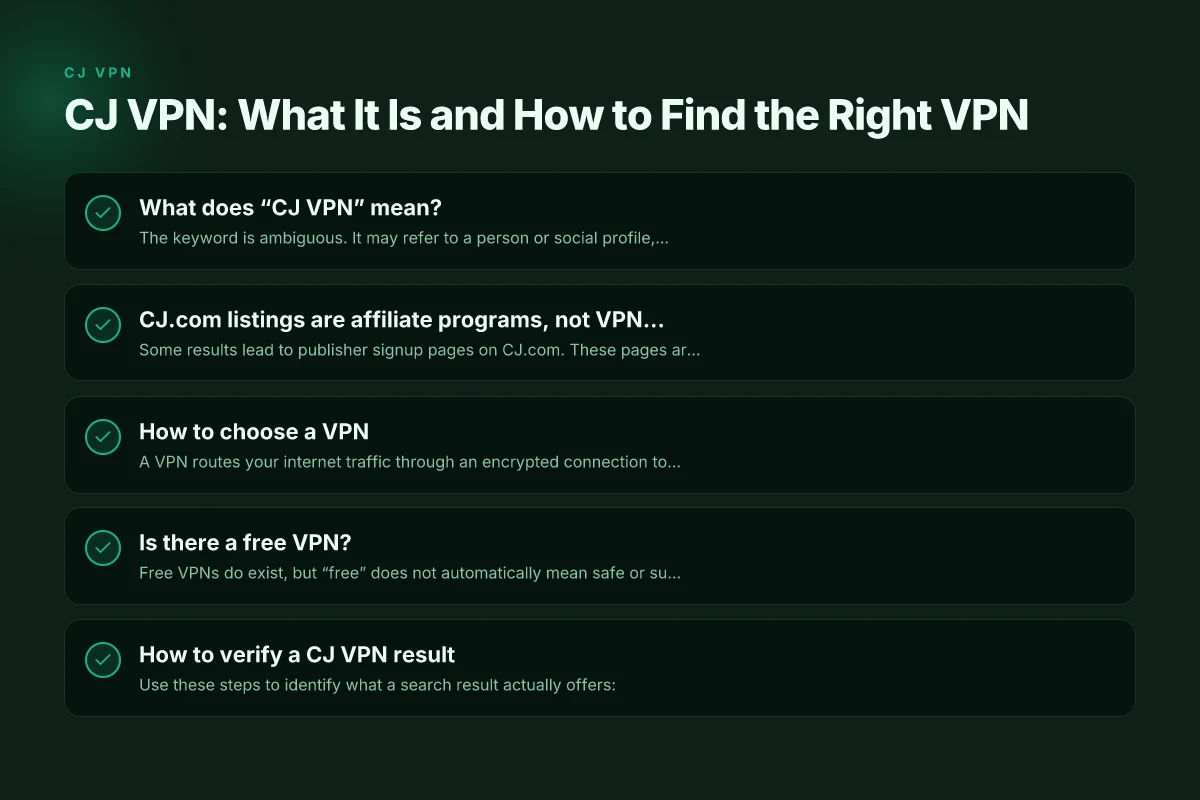
What does “CJ VPN” mean?
The keyword is ambiguous. It may refer to a person or social profile, a page hosted on a CJ-related domain, or VPN brands appearing in CJ’s affiliate network. The search results do not establish that these are all connected or that “CJ VPN” is the name of a single VPN product.
One result, exter-vpn.cj.net, provides no information in the available search listing. Another is a Facebook profile called CJ Vpn. A separate result describes “Cjvpn” as a term used for multiple unrelated tools or services, including the University of Chicago’s cVPN. Similar names alone are not evidence that services share an owner, app, or security practices.
Before using a service, confirm its exact name, official website, developer, and published privacy information.
CJ.com listings are affiliate programs, not VPN downloads
Some results lead to publisher signup pages on CJ.com. These pages are intended for publishers who want to participate in an affiliate program. They are not the VPN software itself and do not provide a direct way to verify how a VPN works. Urban VPN Extension Edge: How to Install and Use It
The search results include programs for:
- CyberGhost VPN, described in its listing as a VPN provider.
- ExpressVPN, whose listing describes a service for protecting privacy and security online.
An affiliate listing may let a publisher earn commissions for referring customers. That relationship can explain why a VPN brand appears in a search for “CJ VPN”. It does not mean that CJ operates the VPN or independently certifies its security. If you want to subscribe, visit the VPN provider’s official website and review its current terms, features, and privacy policy there.
How to choose a VPN
A VPN routes your internet traffic through an encrypted connection to a VPN server. This can help protect traffic on networks you do not trust and can change the apparent location of your connection. It does not make you anonymous or protect you from every online threat.
Compare services using practical criteria: F5 VPN: What It Is, How It Works, and When to Use It
| What to check | Why it matters |
|---|---|
| Privacy policy | Explains what information the provider collects and retains |
| Security details | Shows what protections and connection options are available |
| Device support | Confirms whether your phone, computer, or other devices are covered |
| Performance and server options | Affects connection speed and the locations you can connect through |
| Price and renewal terms | Helps you understand the full cost and how billing works |
| Customer support | Gives you a route to help with setup or account issues |
Look for clear, specific documentation rather than relying only on claims such as “best” or “most secure.” Check whether the service explains its data practices, how to cancel, and whether the features you need are included in your plan.
Evaluate a VPN before choosing
| Check | Strong sign | Warning sign | Why it matters |
|---|---|---|---|
| Publisher identity | Matches the VPN’s official site | Unfamiliar or mismatched name | Helps confirm who provides the service |
| Privacy policy | Explains data collection and retention | Missing or vague policy | Shows how personal data may be handled |
| Logging claims | Clearly describes logging practices | Broad claims without detail | Helps assess privacy protections |
| Security features | Features are explained clearly | Security claims lack specifics | Supports an informed comparison |
| Pricing | Terms and renewal costs are visible | Fees or renewals are unclear | Avoids unexpected charges |
| Free-plan limits | Restrictions are stated upfront | Limits are hard to find | Clarifies what the free option provides |
| Support | Contact or help options are available | No clear support channel | Helps resolve setup or billing issues |
| Download source | Linked from the official provider site | Third-party or suspicious download page | Reduces the risk of installing a fake app |
Compiled November 2026; check the provider's site for current details.
Is there a free VPN?
Free VPNs do exist, but “free” does not automatically mean safe or suitable. Some free services may limit data, speed, server choice, or device access. Others may collect information or rely on advertising. Review the provider’s privacy policy and business model before installing an app. AXGATE VPN Client: What It Is, How It Works, and How to Use It
Be cautious if an unfamiliar VPN:
- Has no clearly identified developer or official website.
- Requests permissions that seem unrelated to VPN use.
- Makes broad privacy promises without explaining its data practices.
- Directs you to download an app from an unofficial source.
If you are considering a free option, verify the app publisher and download it through a trusted app store or the provider’s official site. Do not assume a service is trustworthy just because its name resembles a known provider.
How to verify a CJ VPN result
Use these steps to identify what a search result actually offers:
- Read the domain carefully. A CJ.com publisher signup page is different from a VPN provider’s product page.
- Confirm the provider. Look for the company’s official name, contact details, and support information.
- Review the privacy policy. Check what data is collected, how it is used, and how long it is retained.
- Check the app publisher. Make sure the developer listed in the app store matches the provider you intended to use.
- Read subscription terms. Confirm billing, renewal, cancellation, and refund conditions before paying.
- Avoid lookalike links. Do not enter payment details or install software from a page whose identity you cannot verify.
These checks are useful whether you found a VPN through a search engine, an affiliate link, social media, or a recommendation. SoftEther VPN: What It Is, How It Works, and Whether to Use It
Verify a CJ VPN result
| Step | What to check | Good sign | If it does not match |
|---|---|---|---|
| Identify the result | Is it a CJ.com page or VPN product page? | Page type is clear | Do not treat a CJ listing as an app |
| Check the advertiser | Does the name match the VPN provider? | Provider identity is consistent | Verify through the provider’s official site |
| Read the listing | Does it describe an affiliate program? | Referral terms are stated | Do not expect a VPN download |
| Follow official links | Does the provider link to its own site? | Domain and branding align | Avoid unrelated download links |
| Confirm the app source | Is the download offered by the provider or trusted store? | Publisher is identifiable | Do not install an unknown file |
| Review the offer | Are price and renewal terms clear? | Terms are easy to find | Check the offer before paying |
| Compare alternatives | Have you checked privacy, features, and limits? | Needs and trade-offs are clear | Keep comparing before choosing |
| Make a decision | Does the service meet your requirements? | Evidence supports the choice | Skip the result if details remain unclear |
Compiled November 2026; check the provider's site for current details.
Recommendation
Treat “CJ VPN” as an ambiguous search phrase, not as proof of a single VPN service. The CJ.com results for CyberGhost VPN and ExpressVPN are publisher affiliate-program pages. Use each provider’s official website to assess the VPN itself. Before installing or paying, verify the provider, review its privacy and subscription terms, and choose a service that suits your devices and needs.